Tactile stitched texture
Give logos and simple artwork a raised, thread-built finish.

Custom embroidery for hats, apparel, socks, and accessories—made on demand.
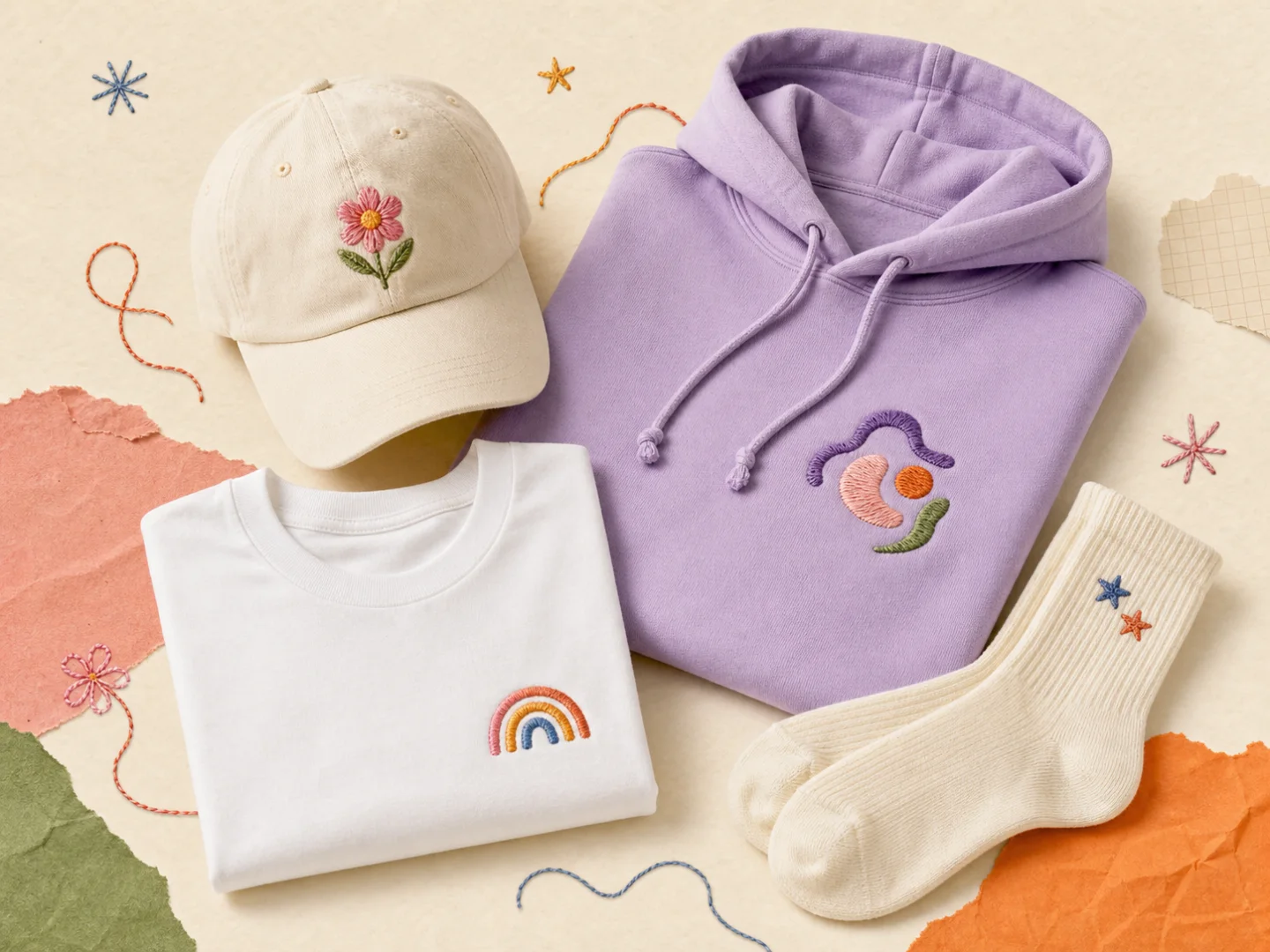 Real thread. Real texture.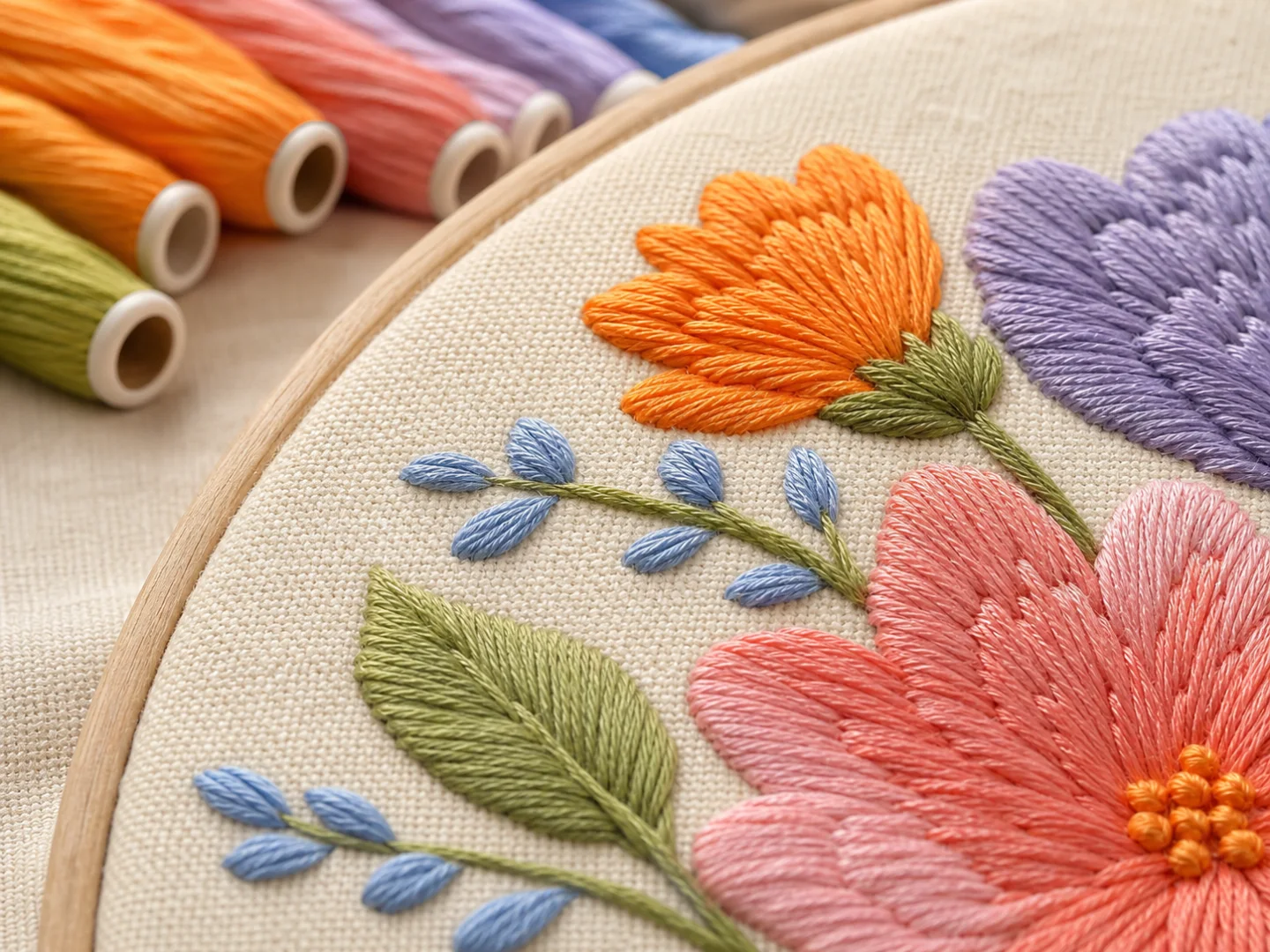
Embroidery gives simple artwork physical dimension. It is especially effective for logos, icons, monograms, uniforms, small brand marks, and merchandise that benefits from a crafted finish.
Visible texture that makes clean artwork feel more considered.
Versatile placement across eligible hats, garments, socks, and accessories.
On-demand testing so you can sample before expanding a collection.
Give logos and simple artwork a raised, thread-built finish.
Thread becomes part of the garment instead of sitting on top like a print.
Add a refined detail to merchandise, uniforms, gifts, and small brand drops.
Use Yoycol’s on-demand workflow with no minimum order requirement.
Technique availability depends on the product you select.
Choose from 15 current thread colors, with up to 6 colors per embroidery area.
Use eligible products when your embroidery concept needs a wider color treatment.
Use a vector file or a high-resolution PNG with a transparent background when possible.
Compare hats, apparel, socks, towels, bags, and other embroidery-ready products.
Review the embroidery preview and adjust the available thread colors in the design editor.
Check a physical sample, connect your store, and use on-demand fulfillment for customer orders.
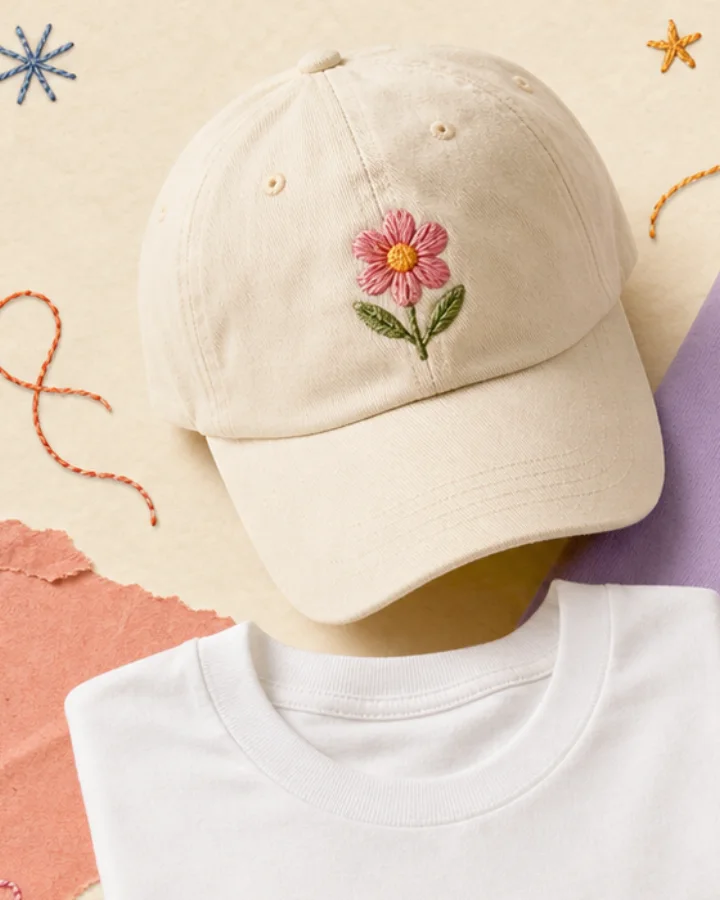 Hats & capsLogo caps, bucket hats, visors, and golf-ready headwear.
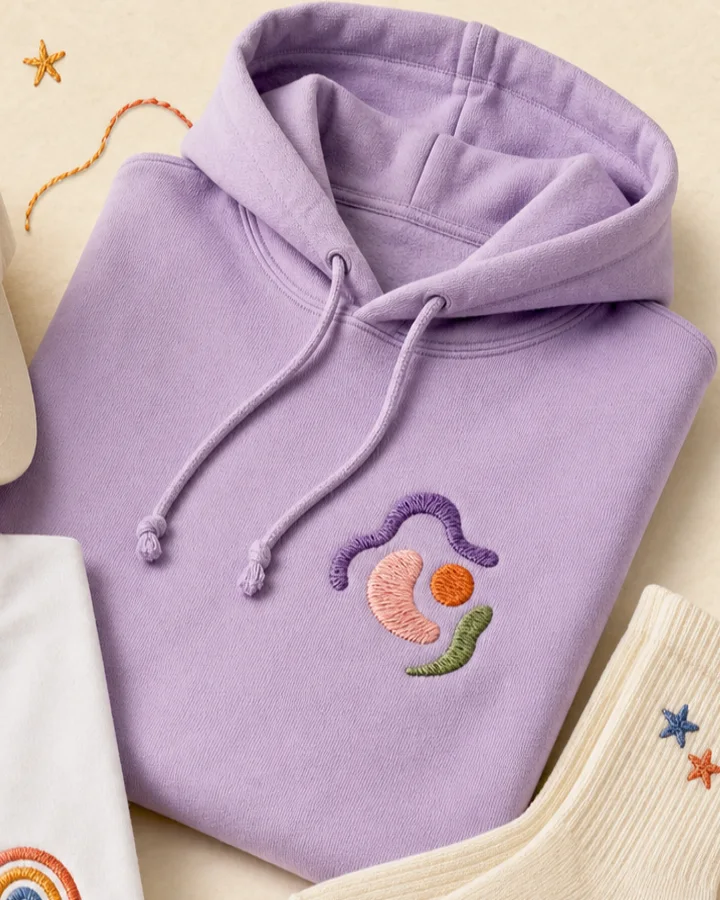 HoodiesChest and sleeve artwork for a tactile apparel statement.
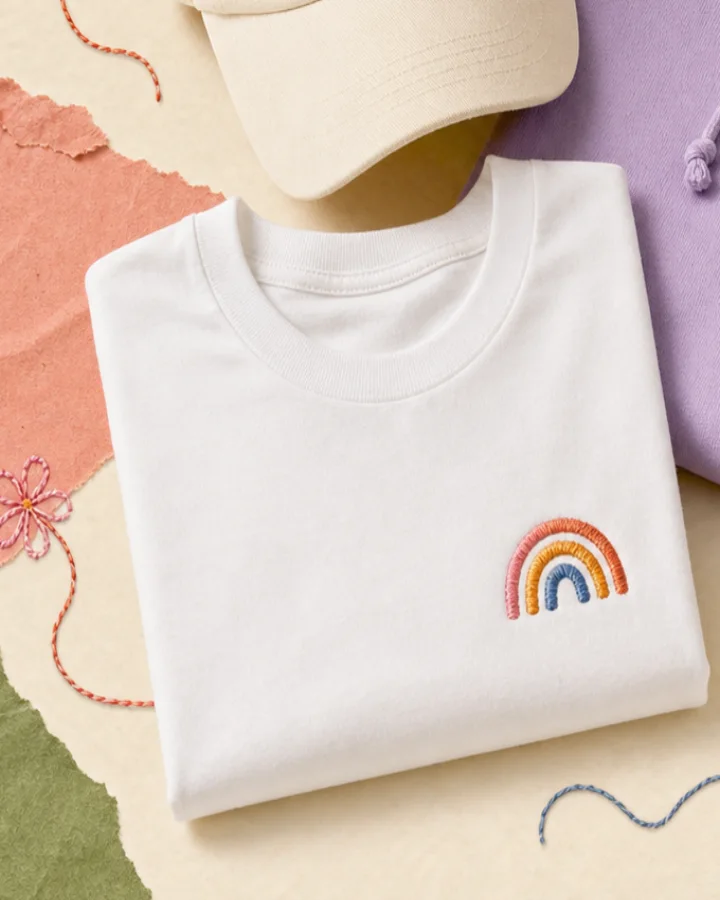 T-shirtsSmall stitched marks on heavyweight and everyday tops.
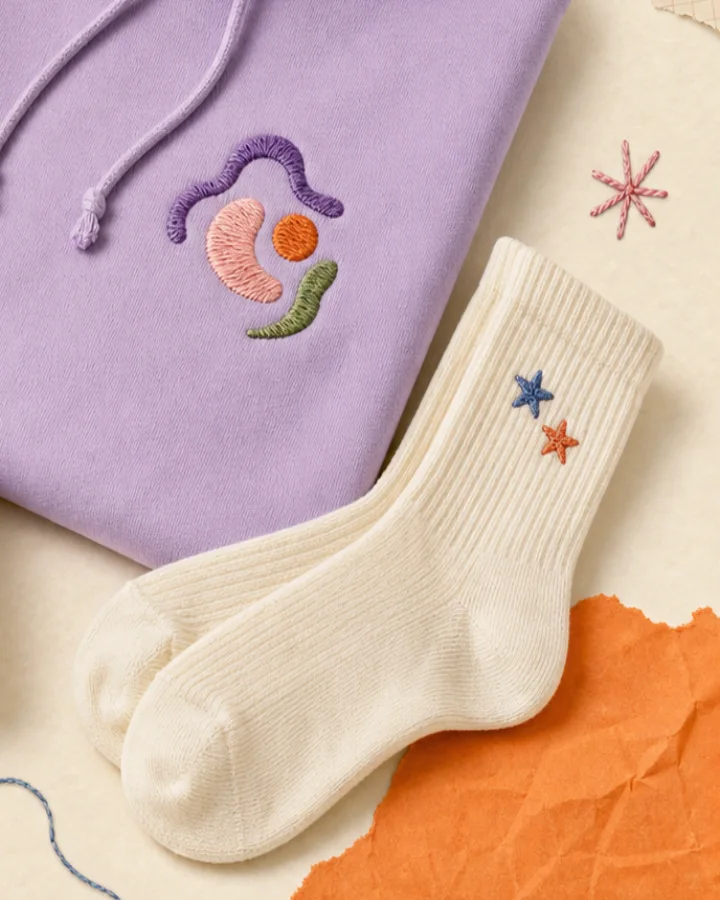 SocksSmall embroidered details for giftable, everyday products.
A focused mix of heavyweight apparel, caps, hats, visors, and cotton socks selected for embroidered collections.
Embroidery rewards bold shapes, clear spacing, and readable lettering. Build the artwork for the material instead of reusing a print-first file unchanged.
Read the embroidery guideUse Yoycol’s currently displayed store connections when you are ready to move from a sample to a live product.
Product-level availability and order details remain the final source of truth.
Eligible products can support Standard Embroidery, Unlimited Color Embroidery, or both. The available technique is shown on the selected product and in the design workflow.
Standard Embroidery currently provides 15 thread colors and allows up to 6 thread colors per embroidery area. Uploaded colors are matched to the closest available thread colors.
Use simple shapes, solid colors, bold readable text, and clear spacing. Avoid gradients, photo-realistic imagery, tiny gaps, very thin lines, and complex backgrounds.
Yoycol’s current embroidery guide recommends a minimum text height of 0.25 in / 6.4 mm and a minimum line thickness of 0.05 in / 1.3 mm.
Embroidery digitization is currently free for a limited time. Review the product page and order summary for the latest fee display before checkout.
Yoycol supports a no-minimum-order workflow. Ordering a sample first is recommended so you can review the real thread color, placement, scale, and garment feel before publishing.
Choose an embroidery-ready product, prepare clean artwork, and start with a sample.
Explore embroidery products





Copyright 2026 All rights reserved.