Neck Branding Tutorial


Neck Brand Creation Process

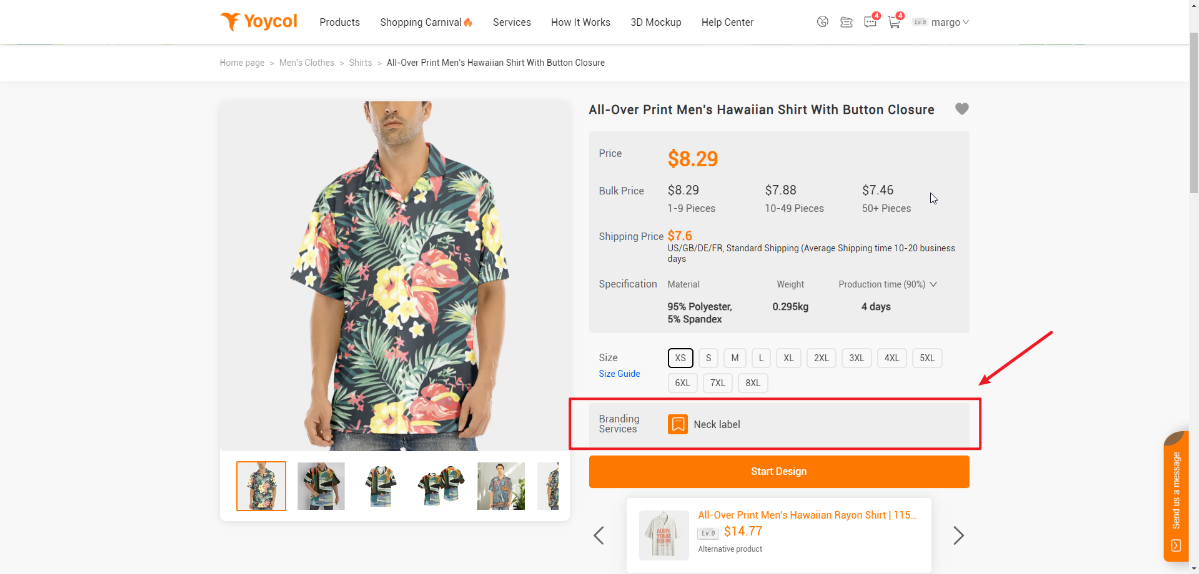
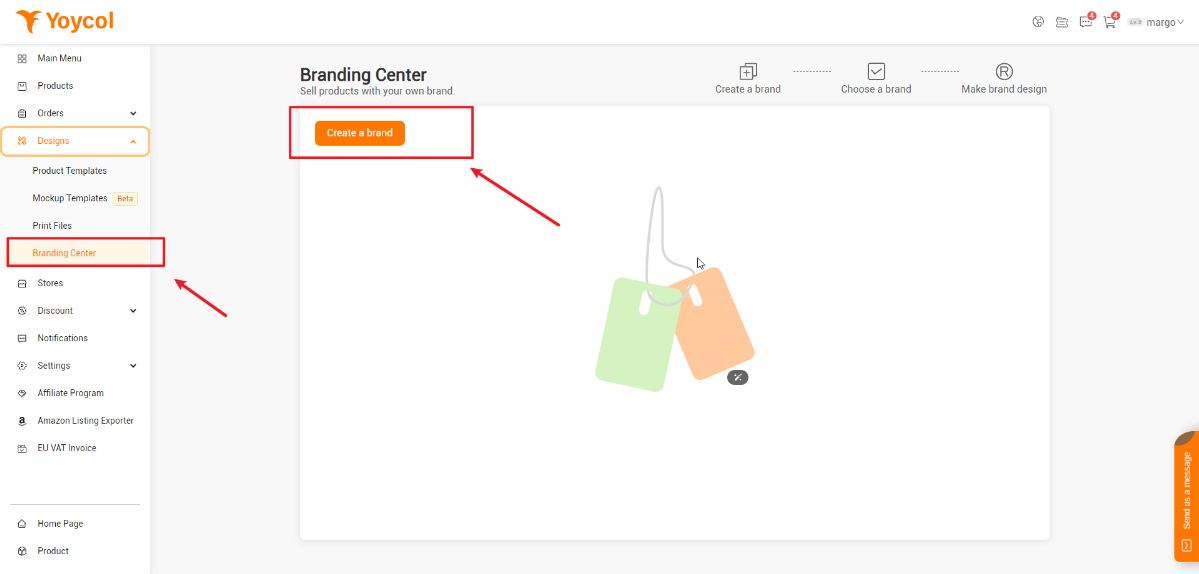
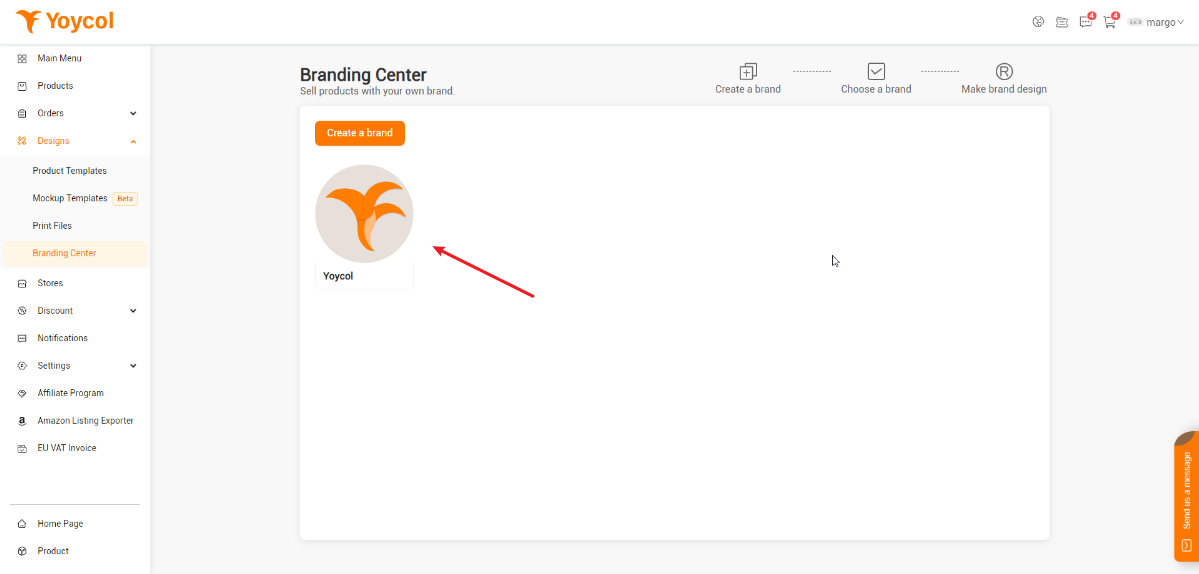
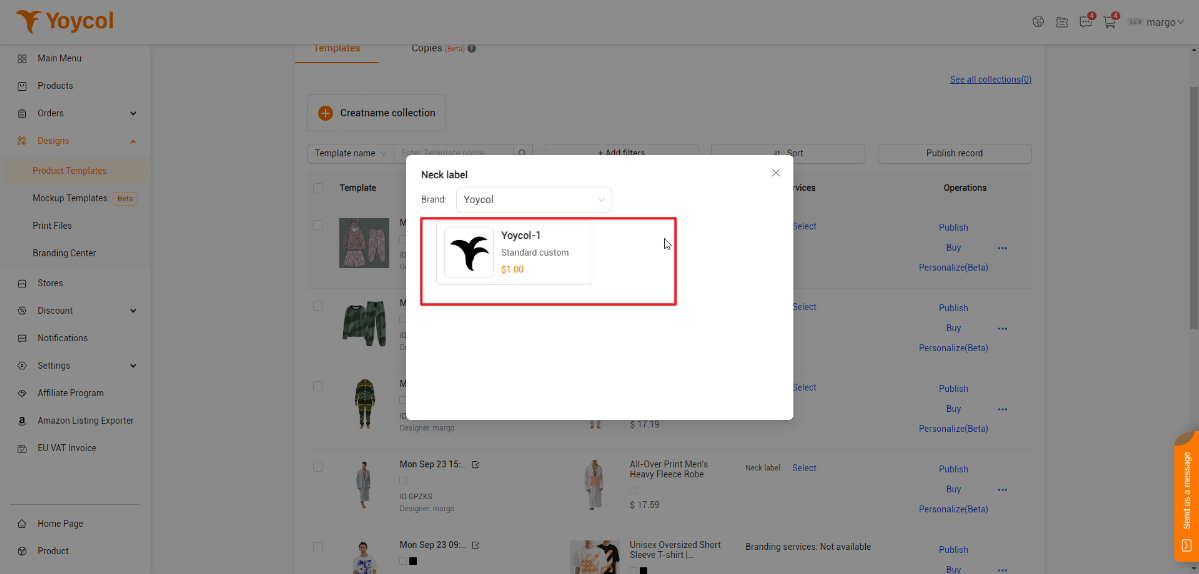
1. Click "Neck Label" on product detail page / Click "Dashboard"- "Branding Center"

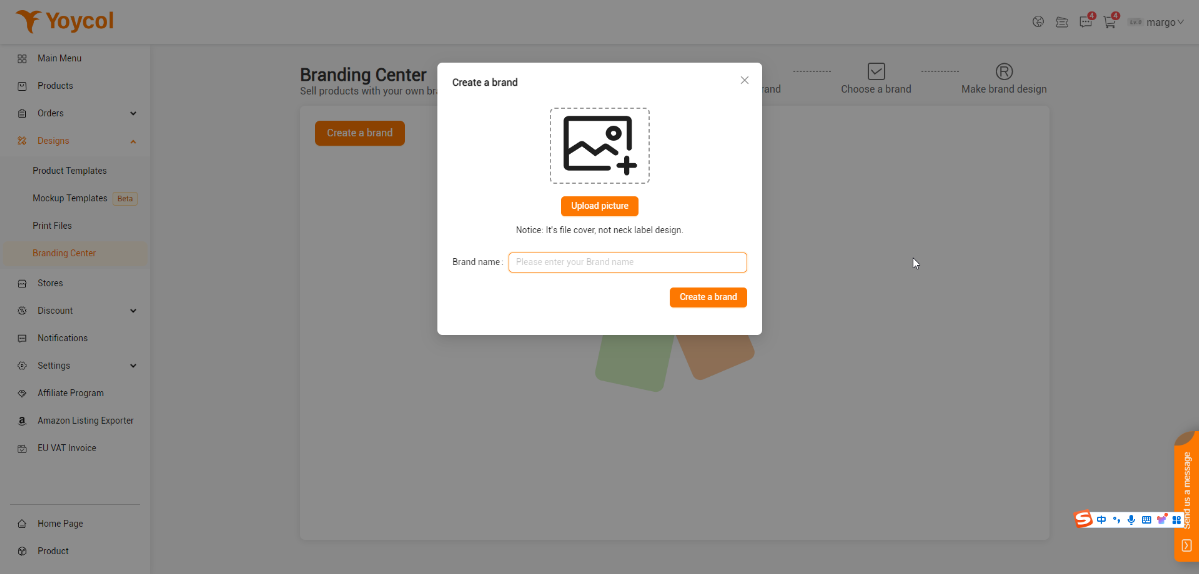
2. Create a brand

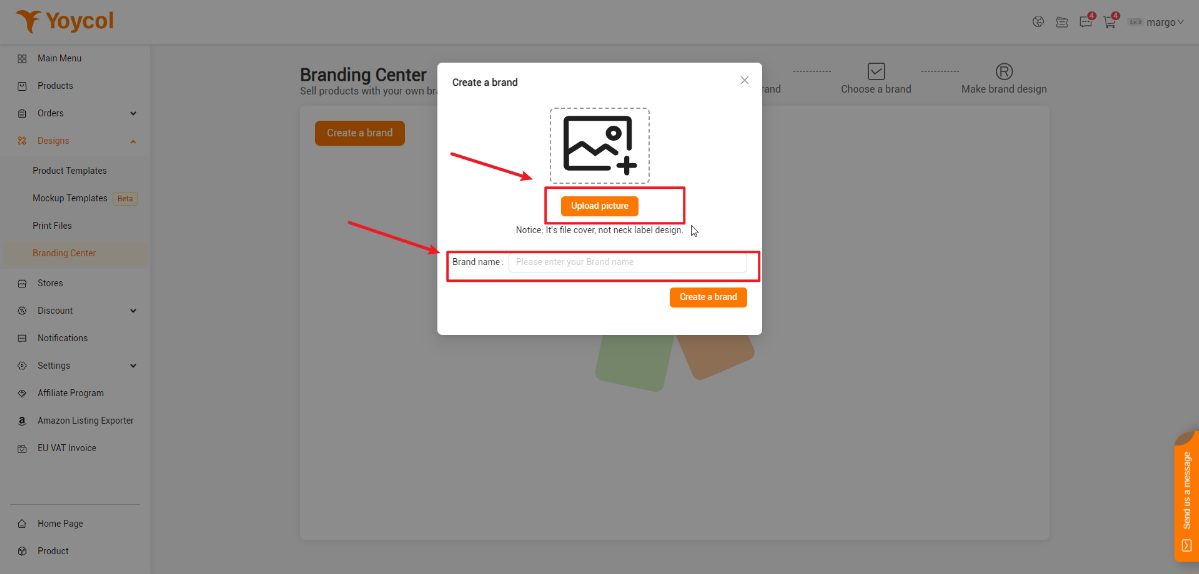
3. Upload picture(jpeg. jpg. png), enter brand name- create

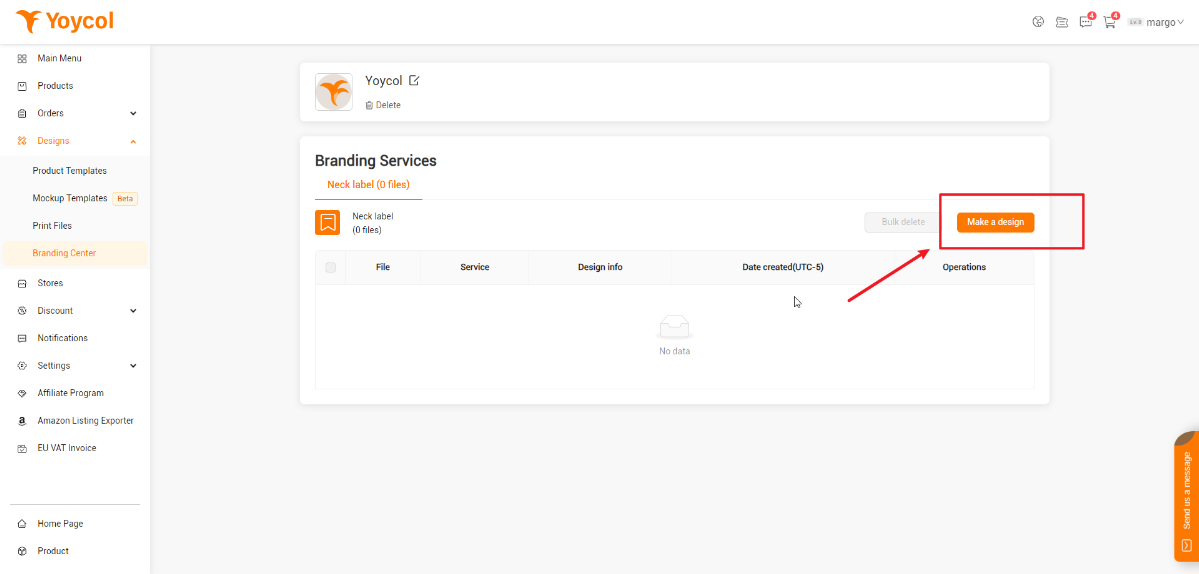
4. Make a design

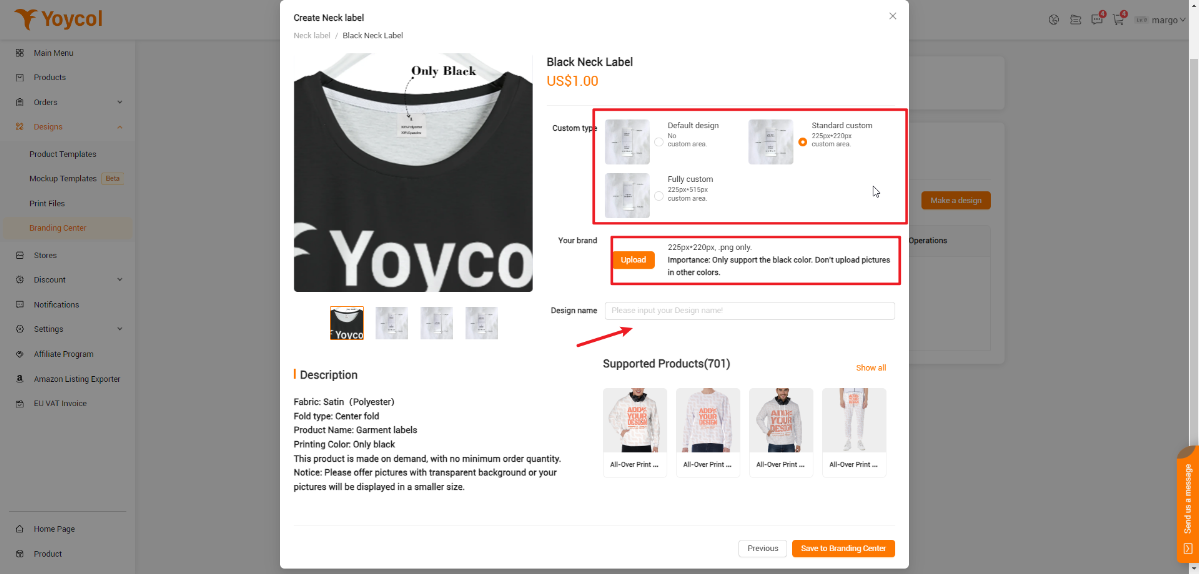
5. Upload with required format(225px*220px/ 225px*515px, only png)

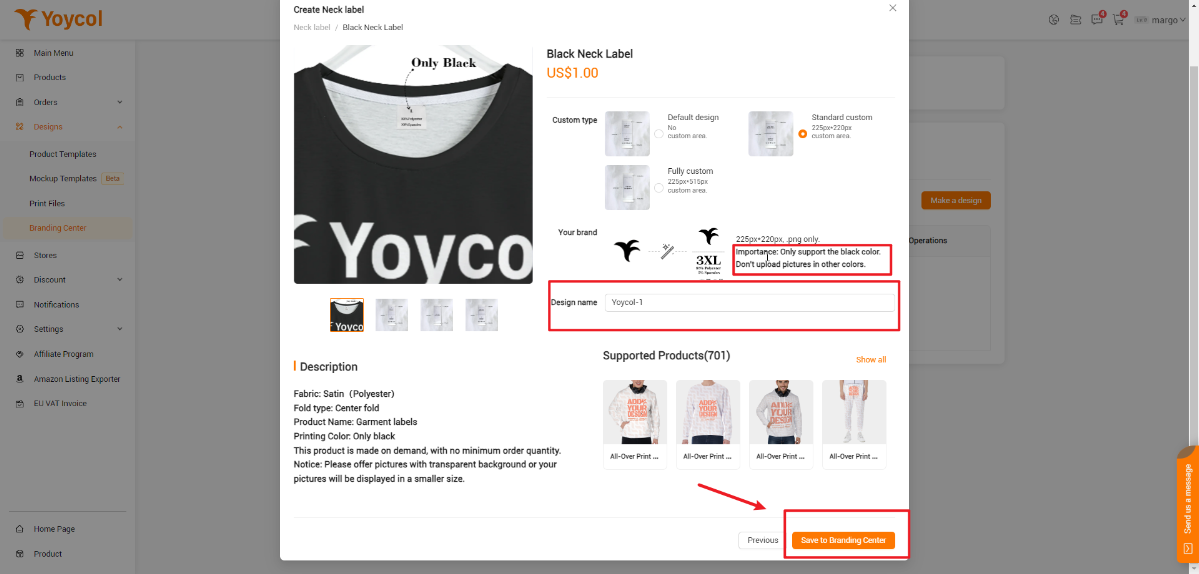
6. Enter Brand Name-Save to Branding Center

7. Connect your product with neck label

Here's how to make a picture of a specific size
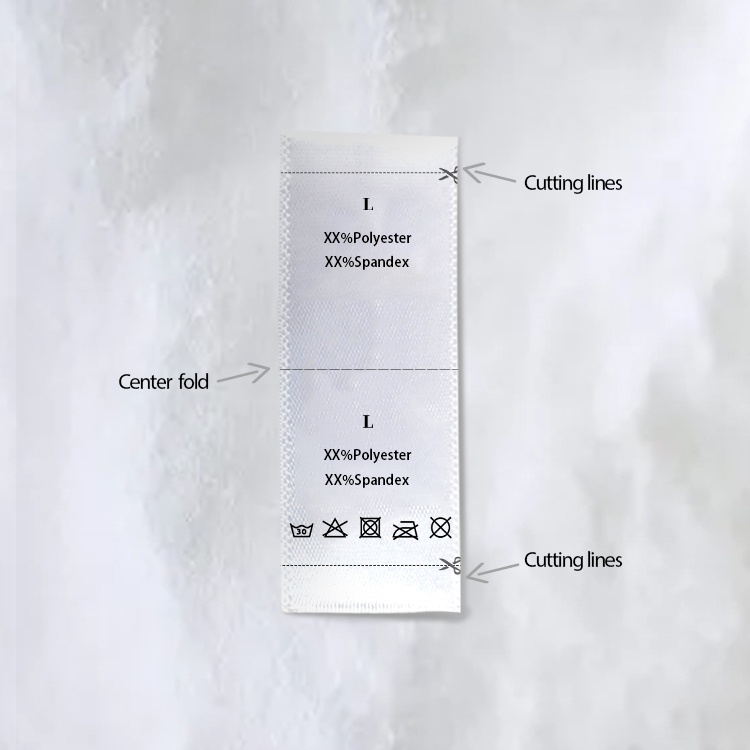
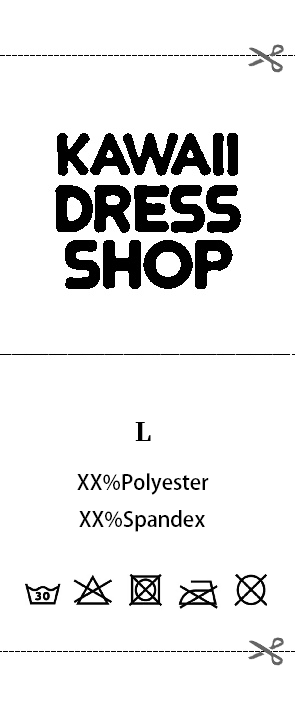
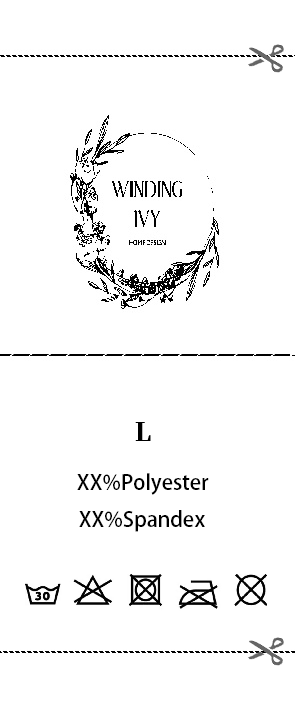
Three Neck Labels available

Default Design


No custom area. Only size display

Standard custom


225px *220px


One side could be customized.


The other side is size.

Fully custom


225px *515px


Both sides could be customized

Note


1. Branding service is only available for clothing. Yoycol only supports black logo without any artistic effect on white bottom.


2. Neck label service costs $1. (Just for referred. Please be practical.)


3. Please offer pictures with transparent background or your pictures will be displayed in a smaller size.


4. At present, only neck brand is accessible. Wash Care Label is coming soon. Stay tune.

Here are some examples of unachievable designs:


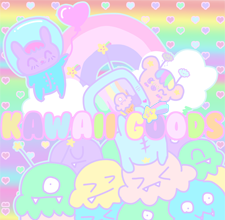
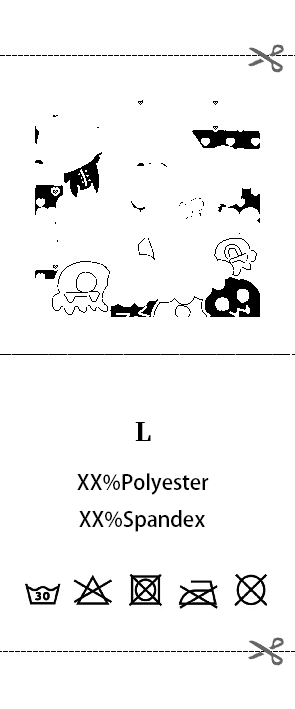
1. Design contains colorful part

Original Design

Actual Product Effect

2. Design with complex effect,  like gradient effect

Original Design

Actual Product Effect

3. Design is too delicate

Original Design

Actual Product Effect


Yoycol reserves the right of final decision on the interpretation of this event. For more details, please contact us through live chat or support@yoycol.com.