What is Auto-Pay and Quick Pay, and how do they work?
Auto-Pay and Quick Pay are two billing and payment methods offered by Yoycol to help you complete orders faster with fewer steps.
- Auto-Pay: automatically pay for Shopify orders imported via API and send orders to production. You can enable or disable it for each store.
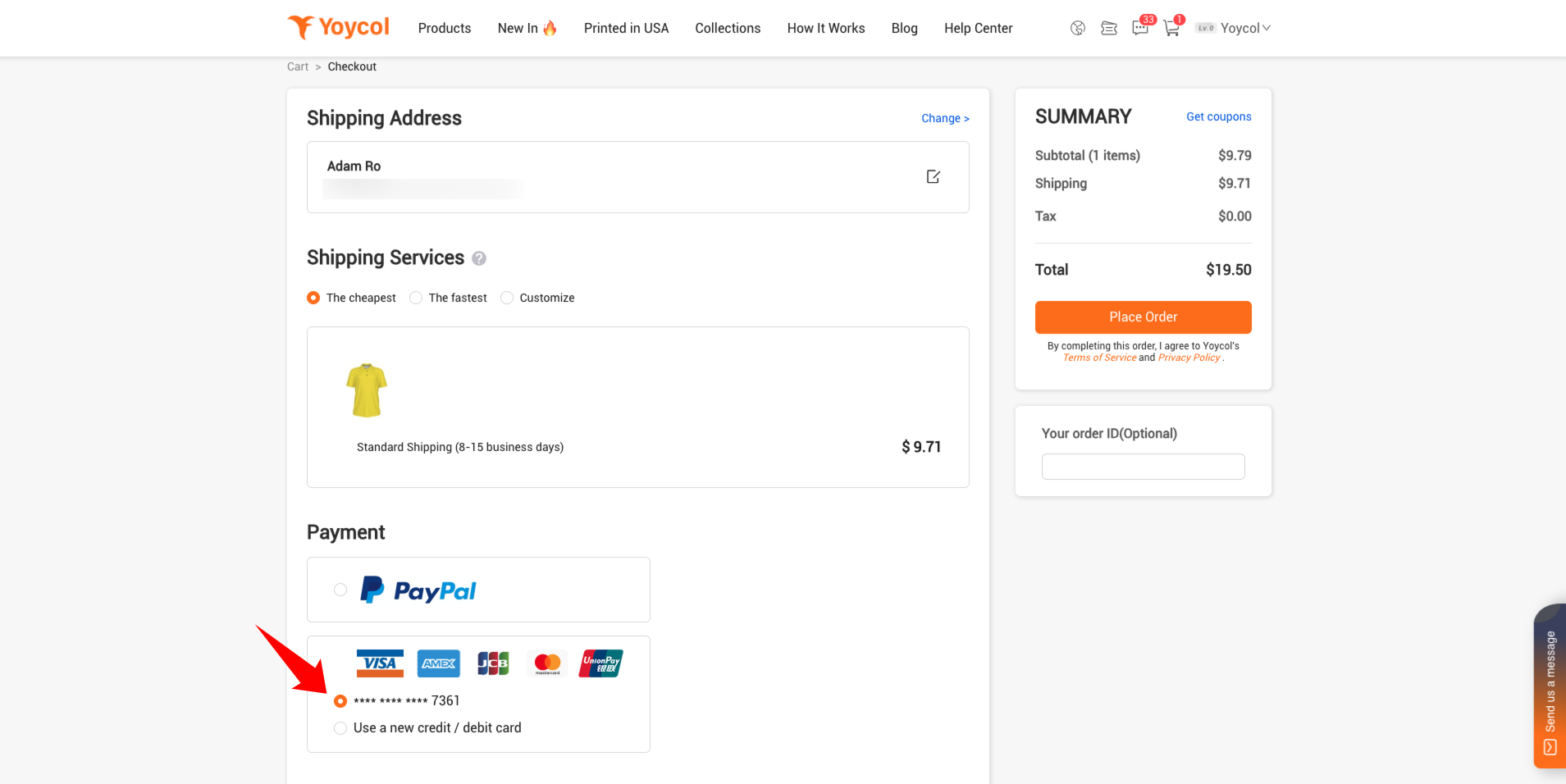
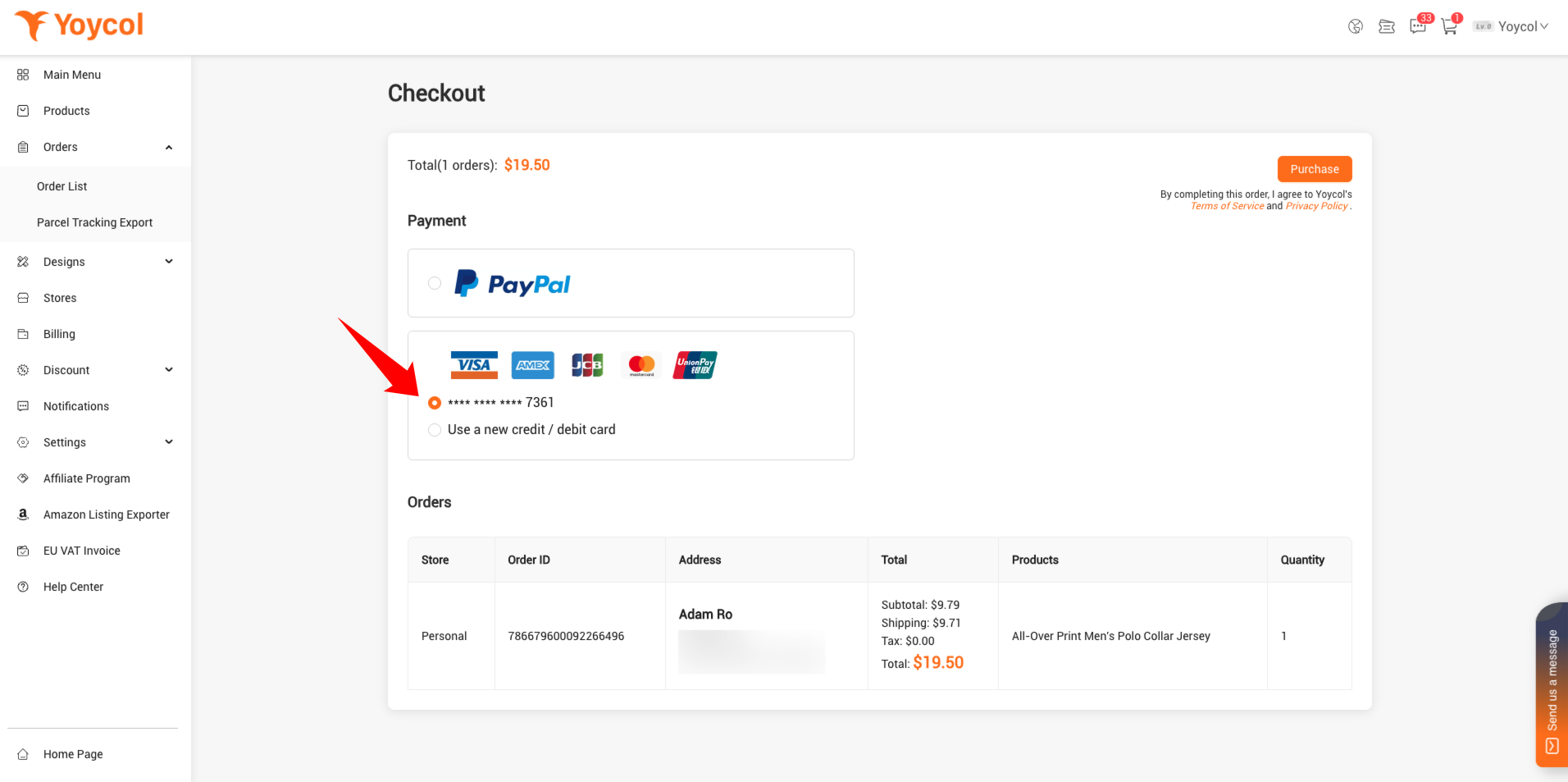
- Quick Pay: use your saved card to pay instantly at checkout.
How to add Credit / Debit Card
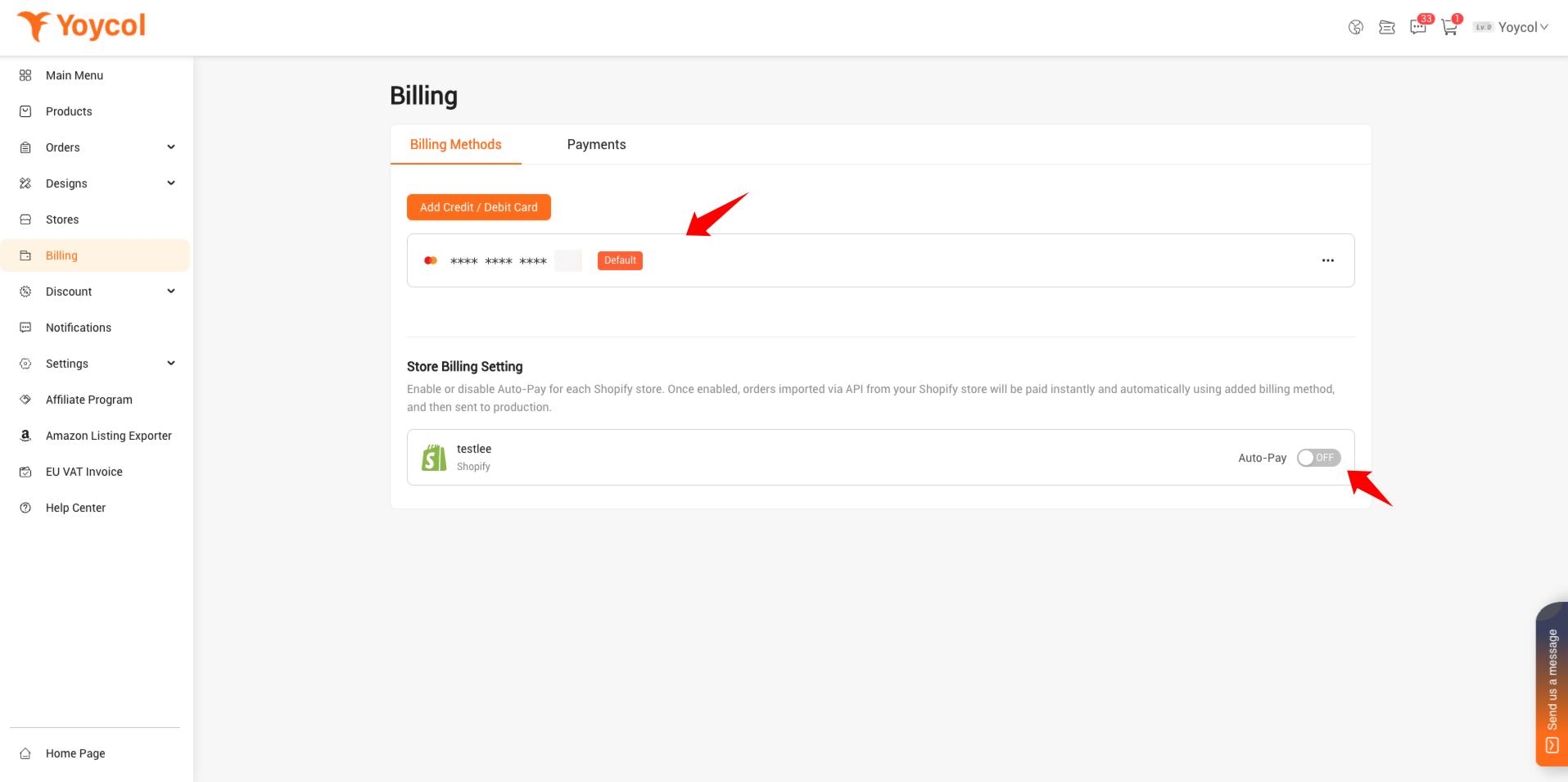
Go to the "Billing” page, and Click the “Add Credit/Debit Card" button.
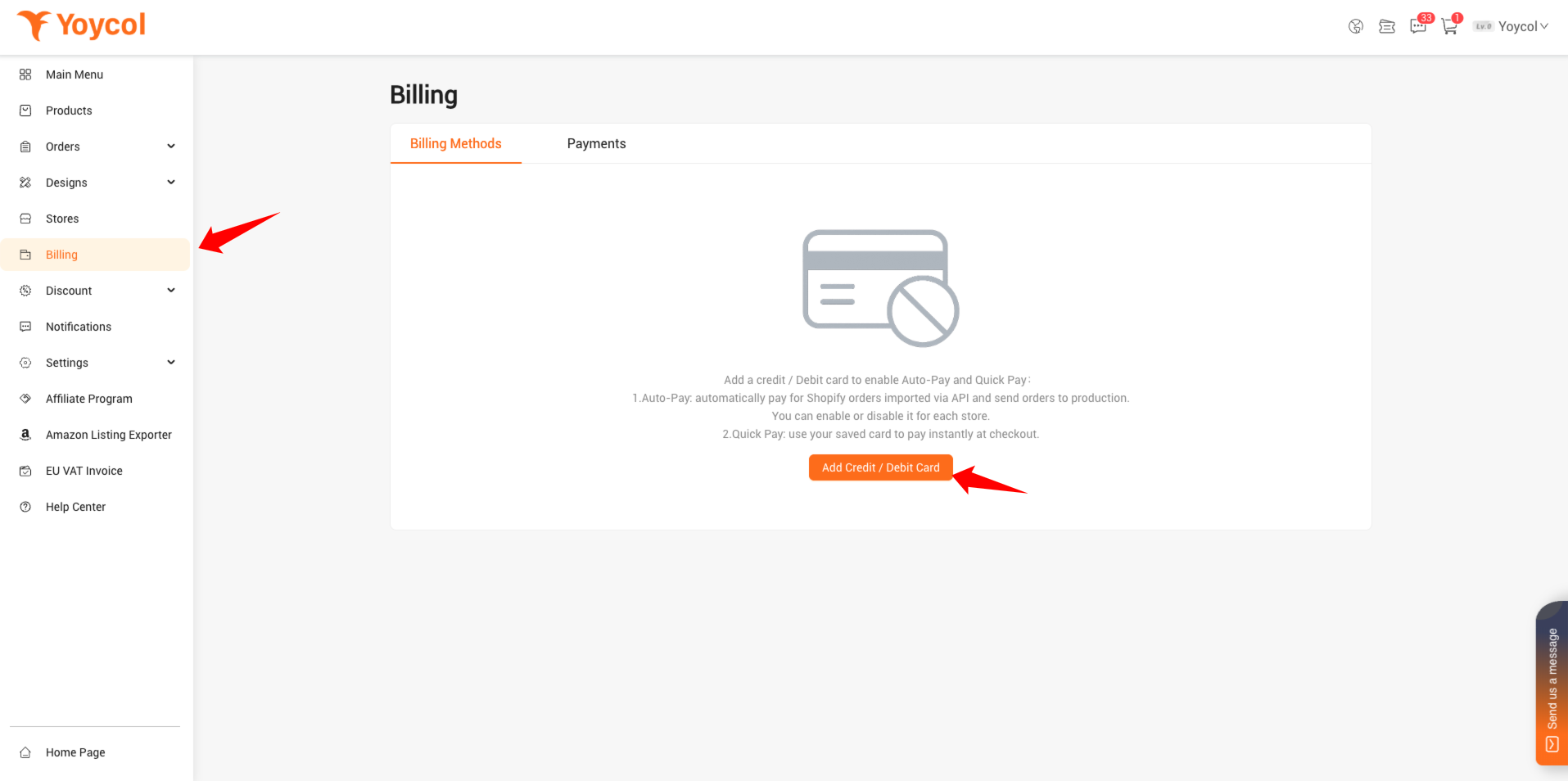
On the bank card authorization page, enter the card information to complete the authorization.
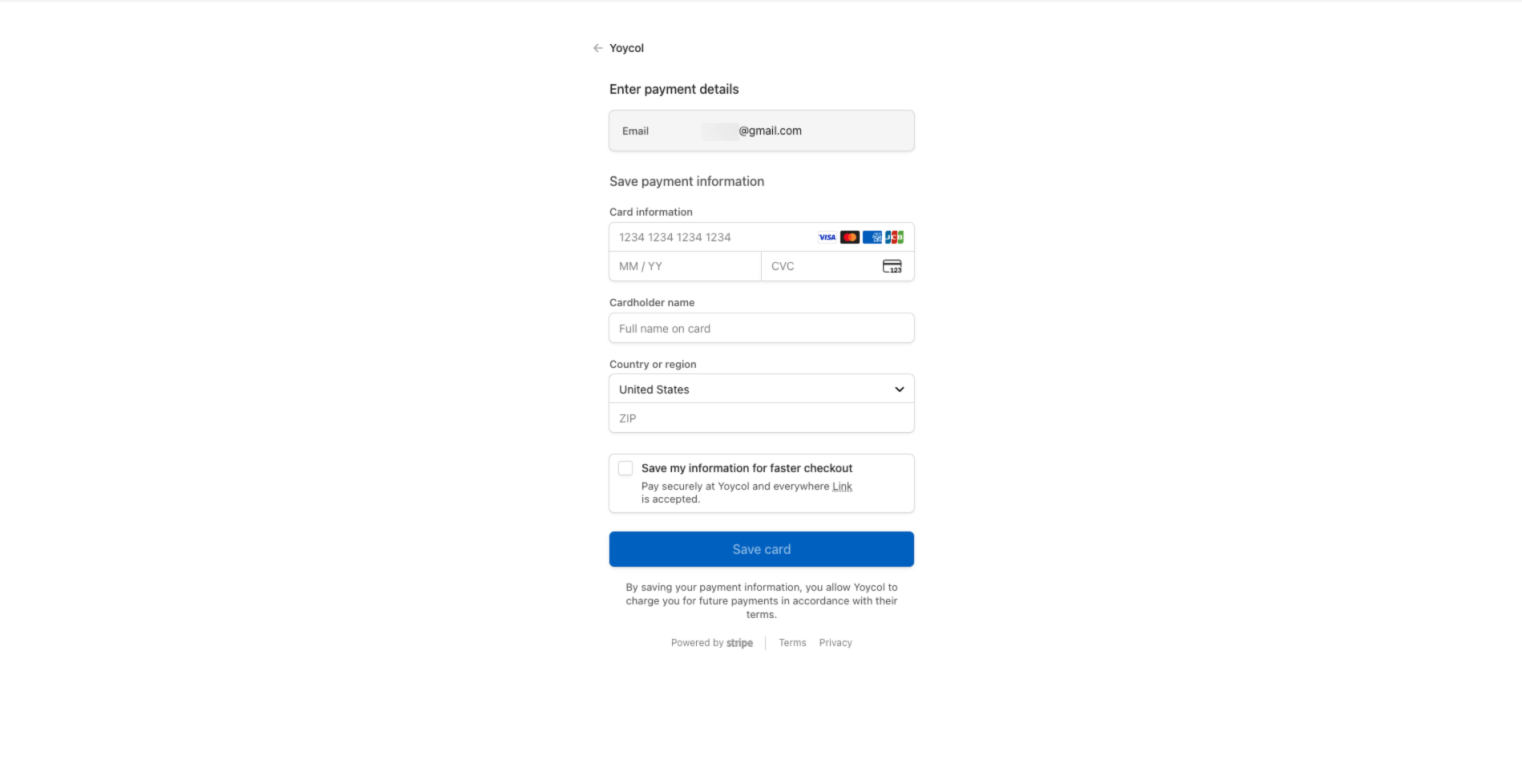
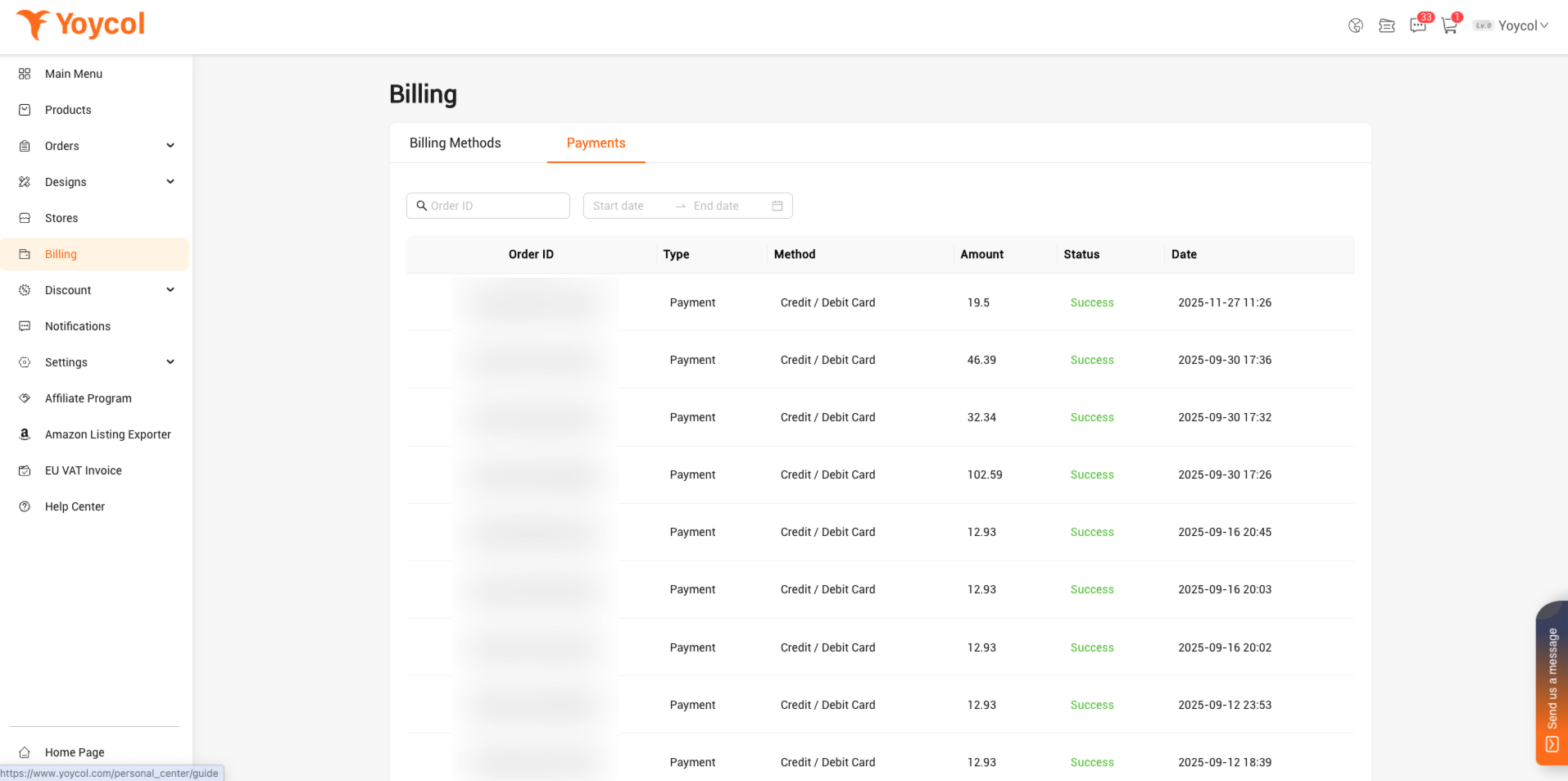
Here you can see the saved bank cards.
In the Store Billing Setting module, make sure that Auto-Pay for each store is enabled. If you don't need Auto-Pay, you can also turn it off.
In the Store Billing Setting module, make sure that Auto-Pay for each store is enabled. If you don't need Auto-Pay, you can also turn it off.
How Auto-Pay works?
After Completing Step 1, orders imported via API from your Shopify store will be paid instantly and automatically using added billing method, and then sent to production.
If the order contains unsynced products or has address issues, Auto-Pay will not be processed.
How Quick Pay works?
If you place a manual order on Yoycol, you can see the saved bank card on the checkout page. After selecting the added bank card, the payment will be completed directly without entering the card information again.