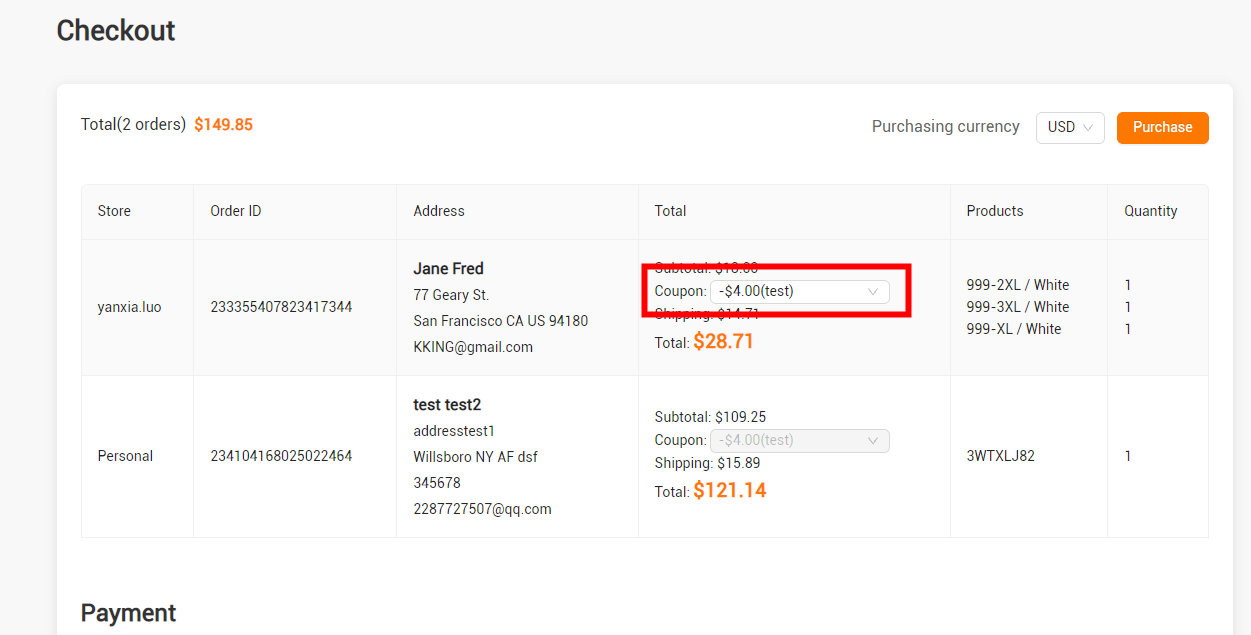
How to use coupon?
There are two ways to get coupon.
1.Automatic distribution
2.Claim coupon
Automatic Distribution
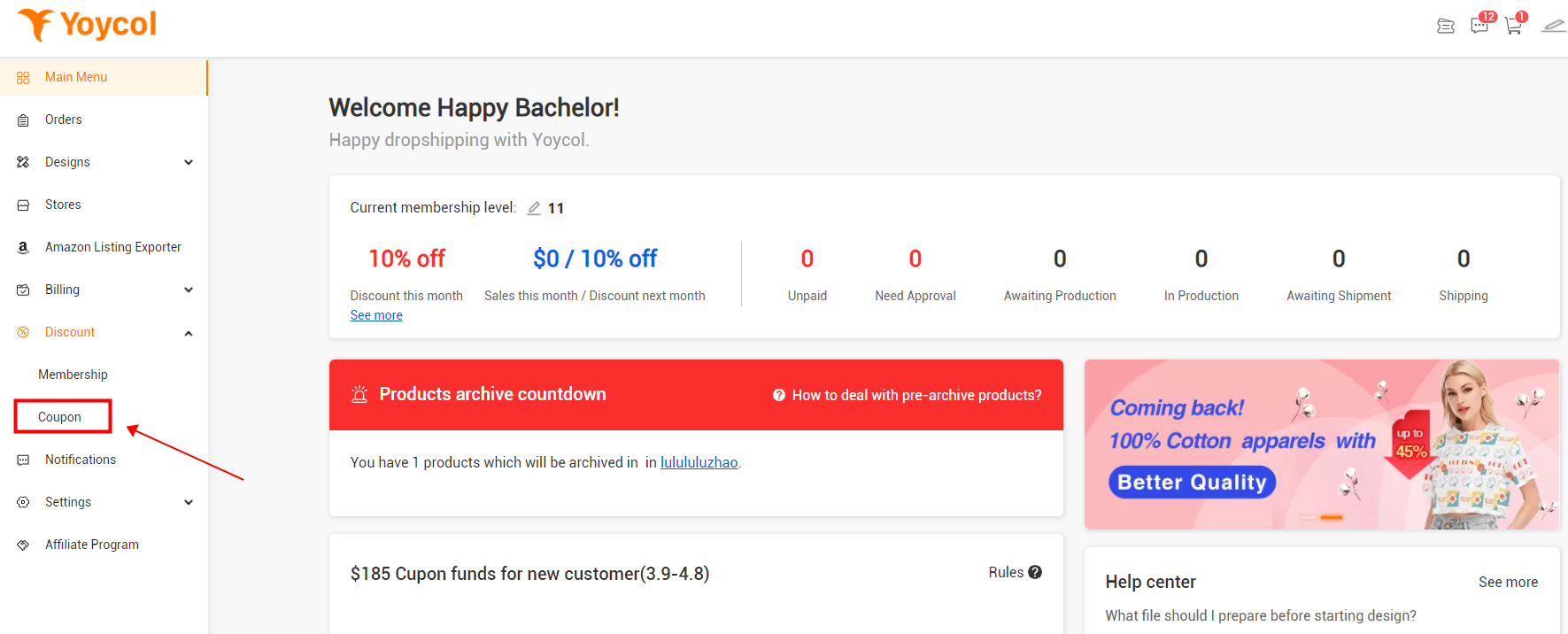
You could check your coupon at Dashboard-Discount-Coupon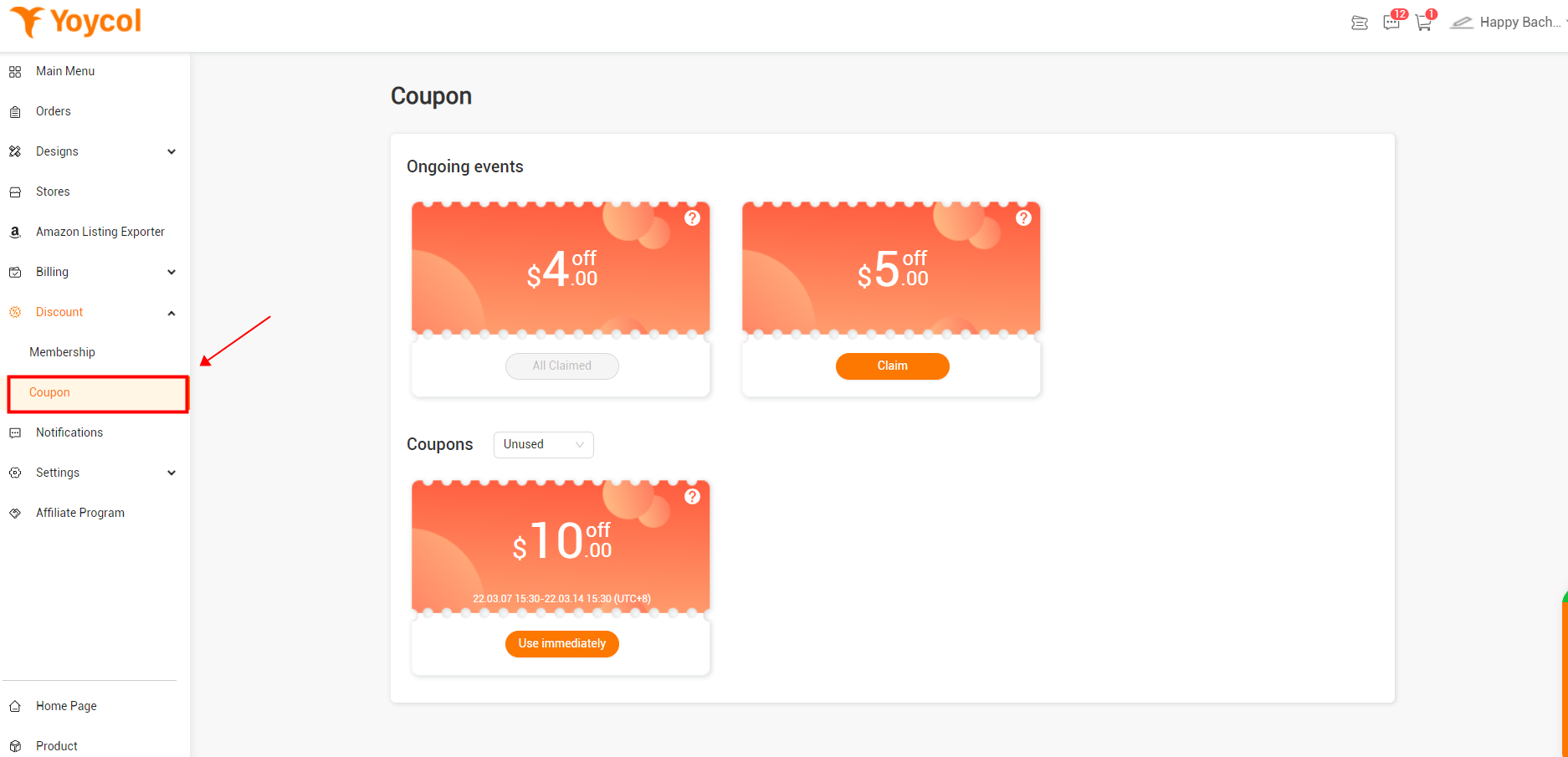
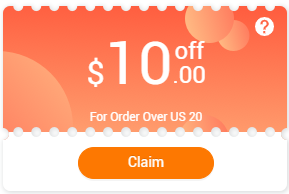
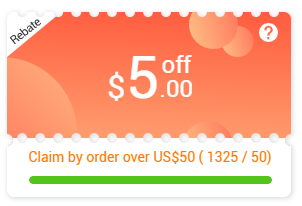
First, you have to claim the coupon to use.
a. Claim coupons on the product detail page, and click 'Get
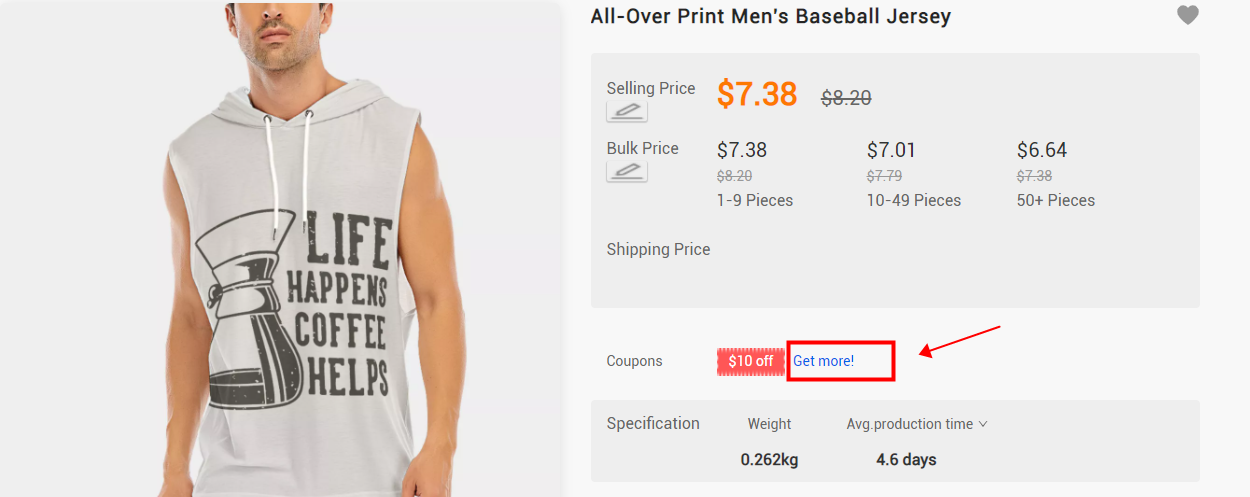
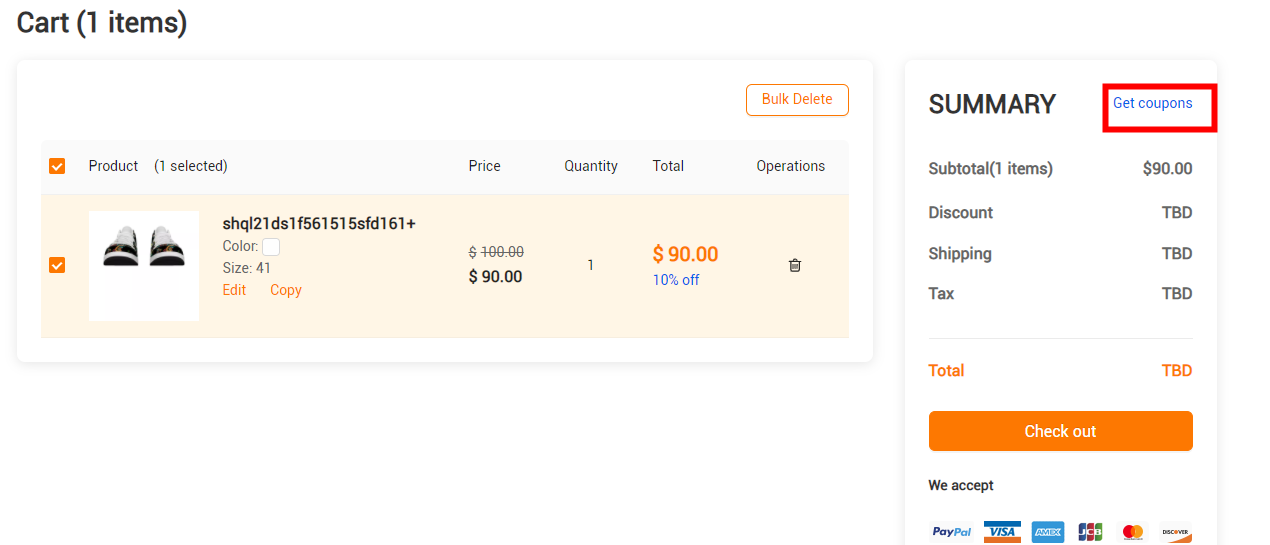
Use coupon
You can use coupon while placing orders on Yoycol website, and can aslo use it for the orders coming from your store(Need connect with Yoycol first See how).
A. Coupon for order placing on Yoycol website
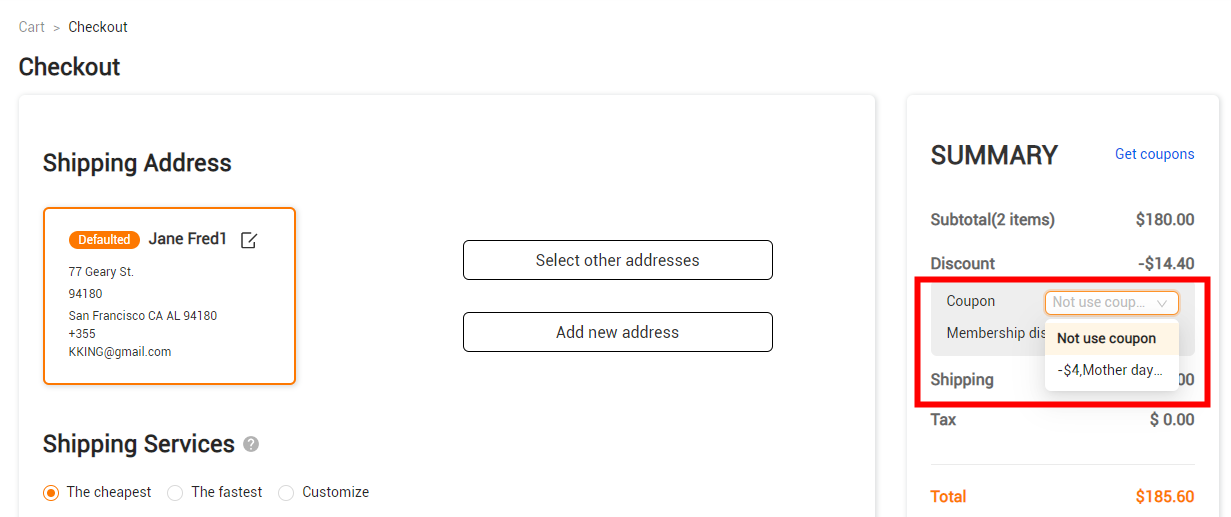
You can use coupons at checkout page. One coupon for one order. We will calculate discount with each coupon depends on the subtotal. You can choose one of them to complete the order.
B. Coupon for orders coming from your store
1. Find your store orders from 'Dashboard-order'. Choose the order you want to pay.
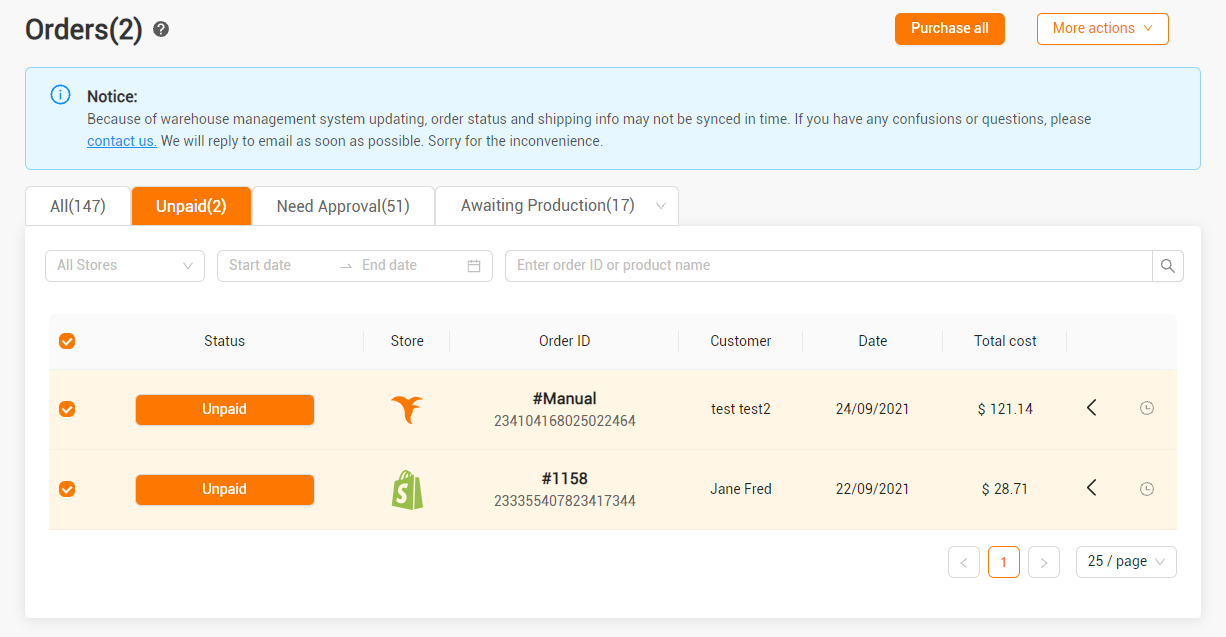
2. Choose coupon at checkout page. One coupon for one order. We will calculate discount with each coupon depends on the subtotal. You can choose one of them to complete the order.