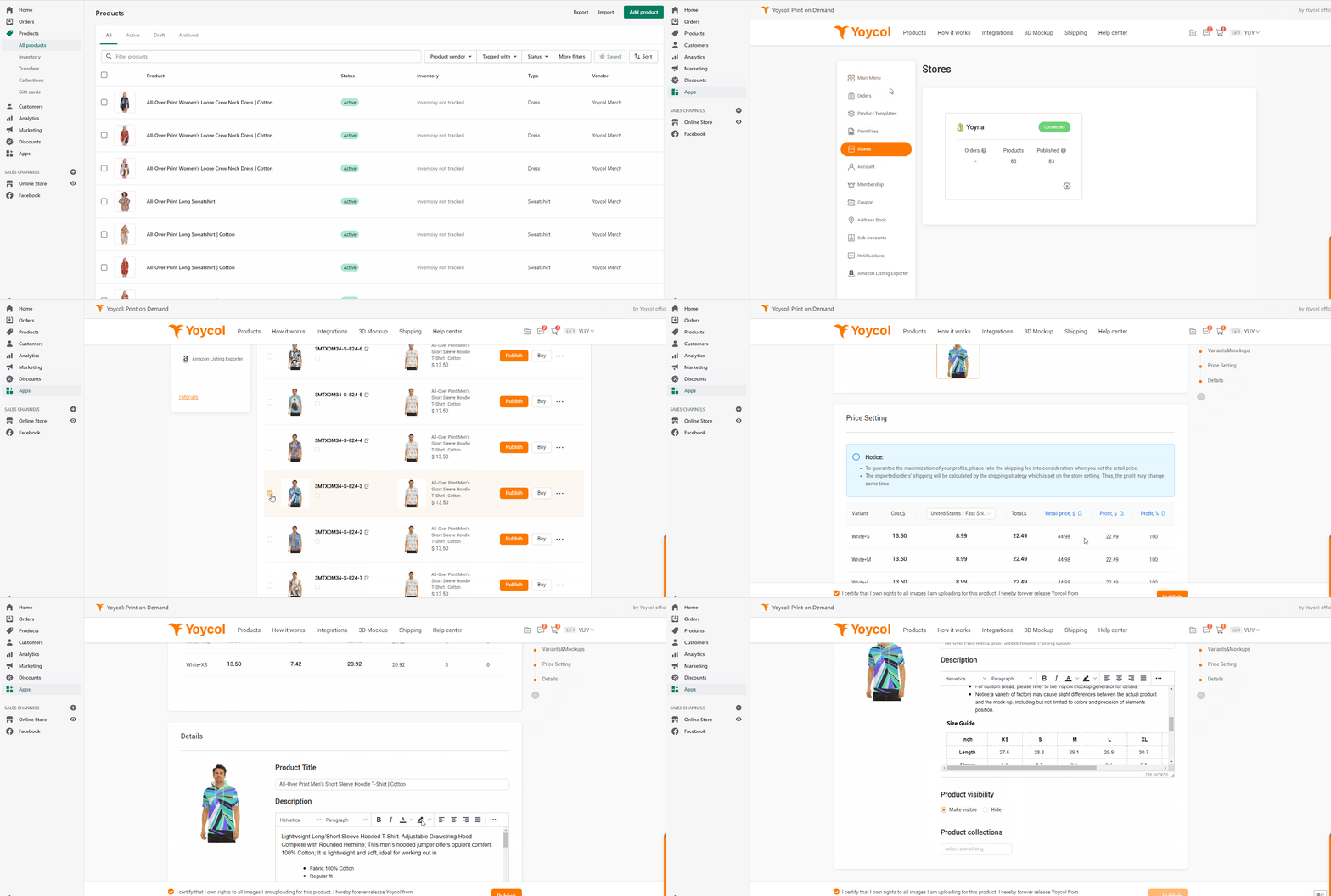
Shopify - How to publish my products to Shopify?
You can create a product template and save it to publish or you can choose one templete which have created before.
* Go to Dashboard > Product Templates > Add New Design > Save As Template > Publish
Or
* Go to Dashboard > Choose One Product Templates > Publish
And then you can choose product variants you'd like to add, set retail price, description and publish setting.
If you don't want to publish immediately, you can save as draft for publish later.
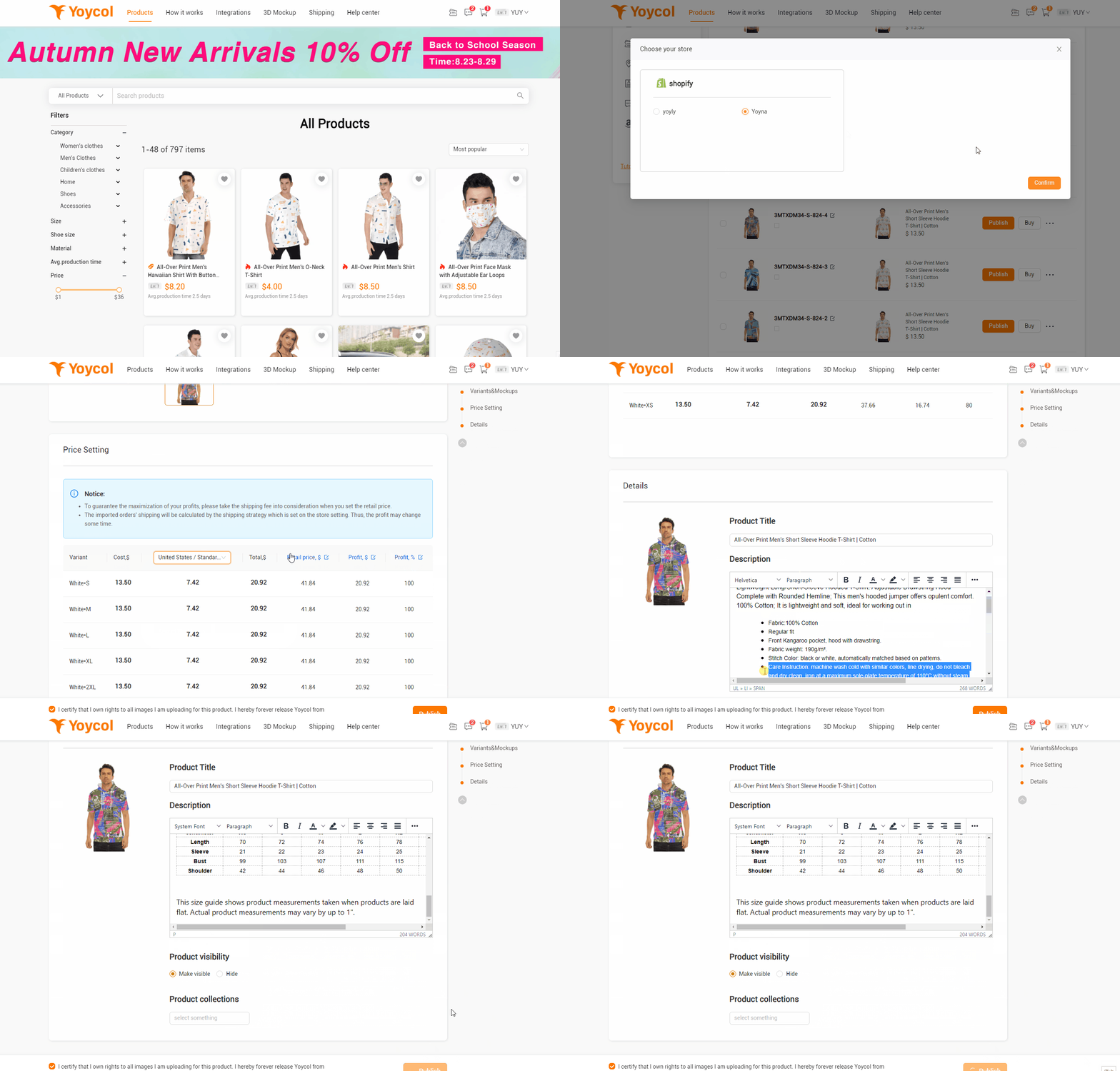
You also can add products directly in your store.
Before that, you need to integrate with Yoycol first. ( Don't know? Click here)
* Shopify Dashboard>Apps>Yoycol>Product Templates > Add New Design > Save As Template > Publish
Or
* Shopify Dashboard> Go to Dashboard > Choose One Product Templates > Publish