 4.6/5
4.6/5 4.6/5
4.6/5Bring the look you want to sell.
A clear product mockup is your starting point. No original print file? Extract it from the reference.
 Reference image · Illustrated example
Find the product. Extract the print. Make it yours.
Upload a hot-selling product mockup. We’ll match products we can fulfill, extract the print and help you turn it into a design—ready for your store or your next order.
For ecommerce sellers and print-on-demand brands · Start with a reference image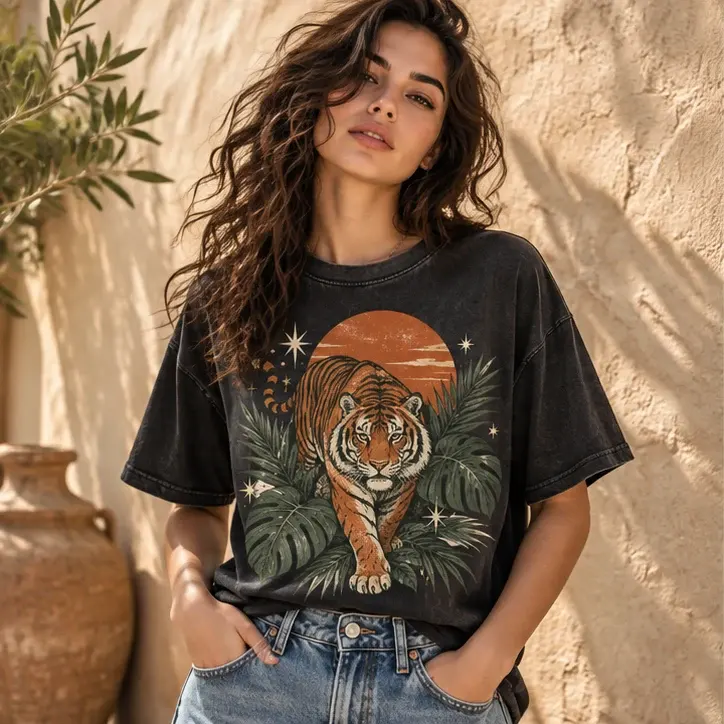
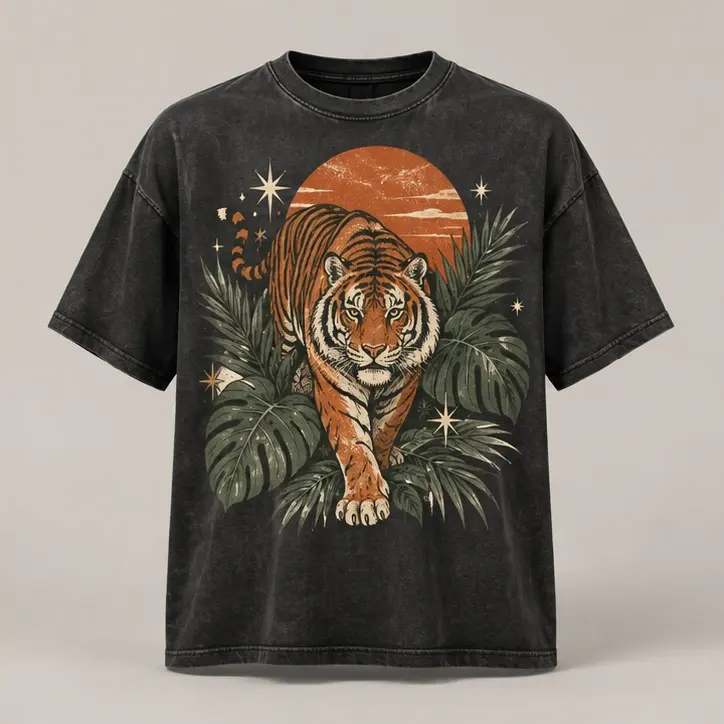
AI-generated concept example
QuickCreate matches products and helps build your design. You choose the product, review the result and decide what comes next.
A clear product mockup is your starting point. No original print file? Extract it from the reference.
Reference image · Illustrated exampleCompare similar products from our catalog, then select the shape, material and print method that suit your idea.
Real catalog examples. Your AI Product Picks depend on the uploaded image.
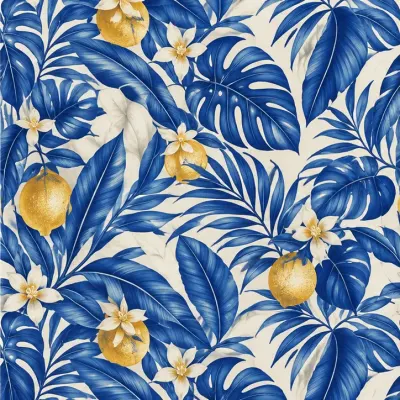
Check the extracted artwork. Re-extract if needed, or choose an existing print file.
Apply the artwork with AI-assisted design, then review the generated product previews.
Control artwork placement, scale and layout in the editor.
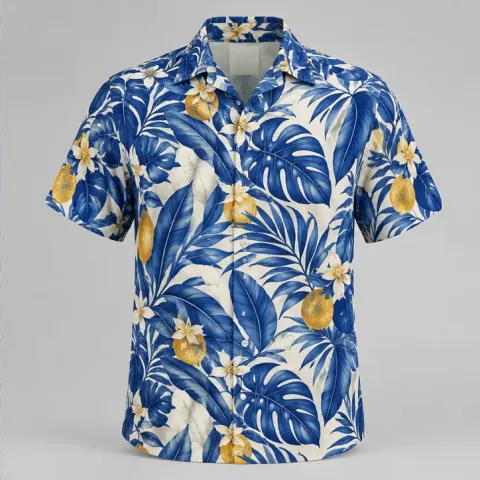
Check the product and mockups before continuing.
Start QuickCreate ↗From a bold chest graphic to an all-over pattern, start with the look you want to sell.
A bold graphic, placed where it belongs.
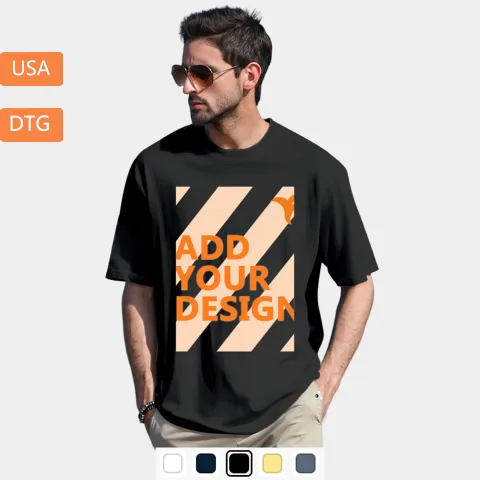
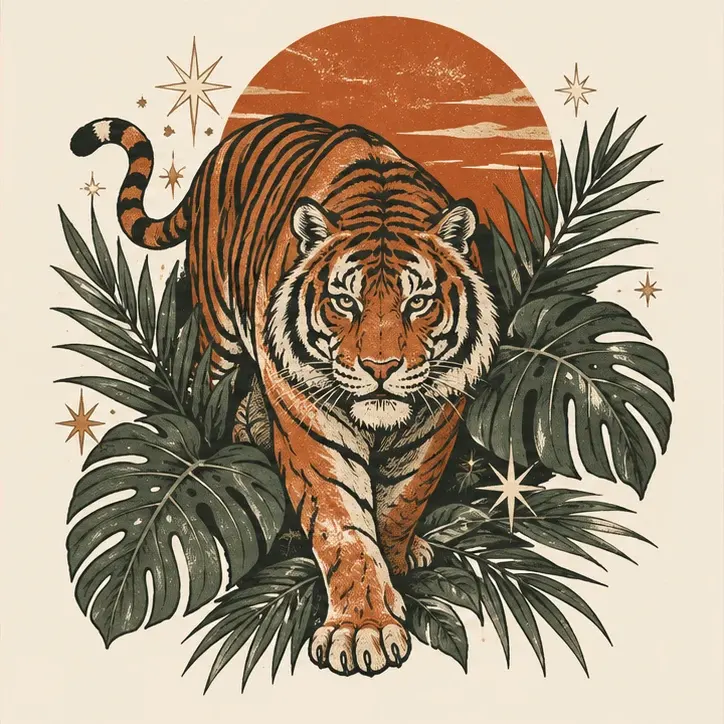
One pattern, across the entire product.


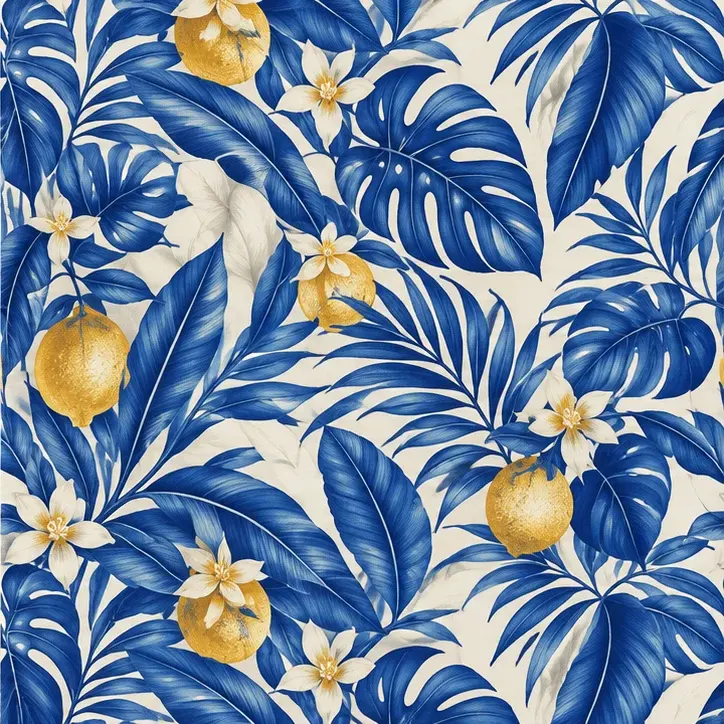
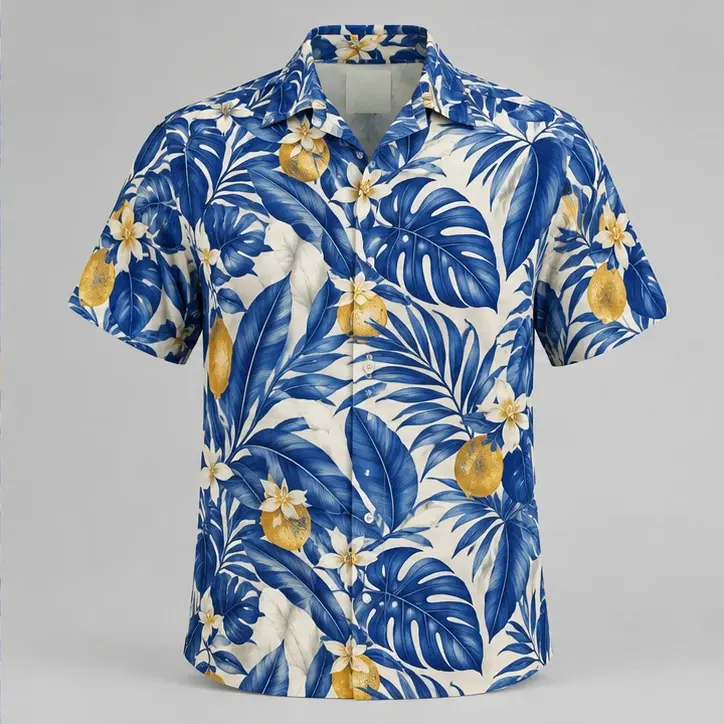
Illustrative transformations with real catalog product examples, not live AI matches. Review the selected product and generated design before publishing or ordering.
QuickCreate connects your reference to our product catalog, design tools and order workflow.
Choose from Yoycol’s catalog and carry your design through to order preparation. Review the product details before you commit.
Explore the product catalog ↗Use Yoycol’s store connections to continue from product design to publishing.
Explore store connections ↗Use a clear, high-resolution product mockup or photo where the print is easy to see. Better references help with artwork extraction. Use artwork you own or have permission to use.
It suggests similar products available in Yoycol’s catalog. Review the options and choose the product that fits your design and fulfillment needs.
You can re-extract artwork if needed, use an existing print file, or continue in the classic designer to adjust your product design.
QuickCreate automates key steps, including matching, extraction and design assistance. You still choose the product and review the result before publishing or ordering.
AI Design is currently in beta, with availability depending on the product and design mode. The classic designer remains an alternative.
Click Start QuickCreate to open the workspace directly, then upload your reference image. You do not need to sign in to open the workspace.
Upload a reference. Find a match. Make it yours.





Copyright 2026 All rights reserved.
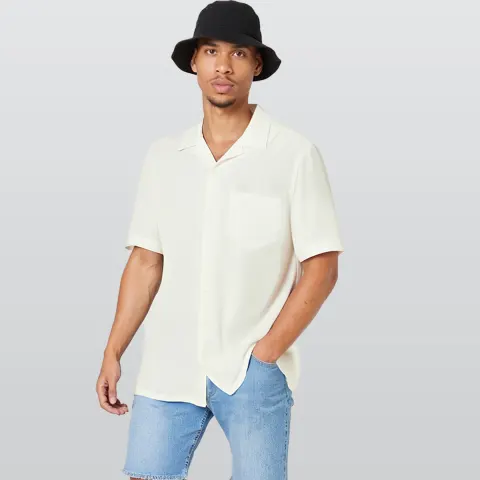 All-Over Print Men's Hawaiian Shirt With Pocket