Open Product Personalizer
Create and manage personalization templates from your Yoycol dashboard.

Let shoppers add names, numbers, logos, images, and colors, then send every order to Yoycol for production and fulfillment.
Shopify product page
Team logo
Uploaded
Primary color
Orange
Production file ready
Buyer choices are saved with the order for Yoycol production.
Start here
Product Personalizer is a live Yoycol product. Start in the dashboard, follow the Shopify setup guide, or ask Yoycol to review an existing workflow.
Create and manage personalization templates from your Yoycol dashboard.
Follow the current setup guide to add the Yoycol Personalizer app embed or product block to your theme.
Read setup guideAlready using another personalization workflow? Share your setup so Yoycol can review the fulfillment handoff.
Talk integrationWhere Yoycol stands out
Use Product Personalizer wherever shopper input is part of the product. Custom jerseys, fishing shirts, racing shirts, and activewear are especially strong because identity and full-garment print zones are already central to the sale.
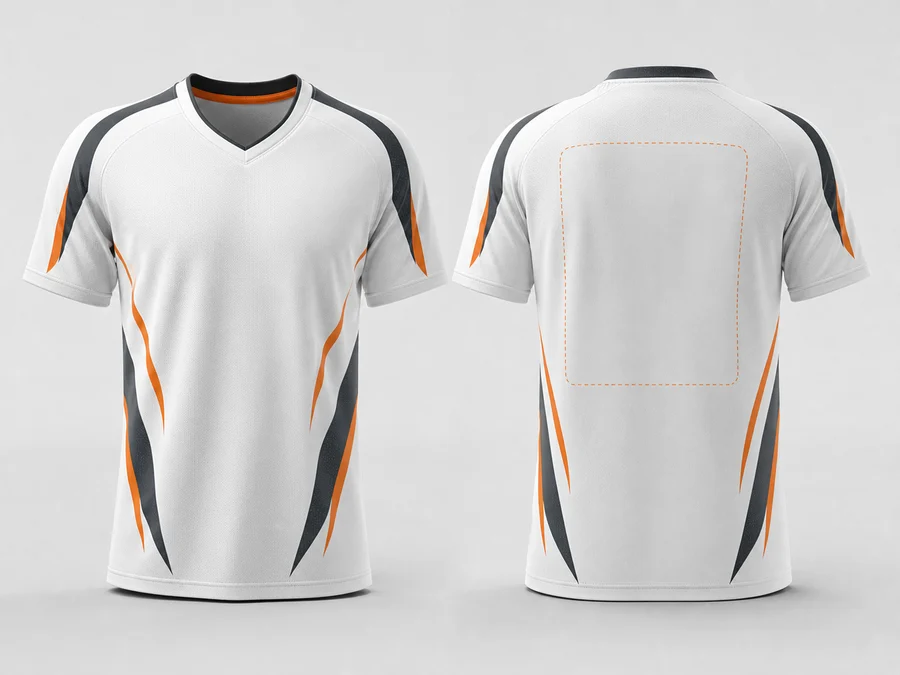
Names, numbers, logos
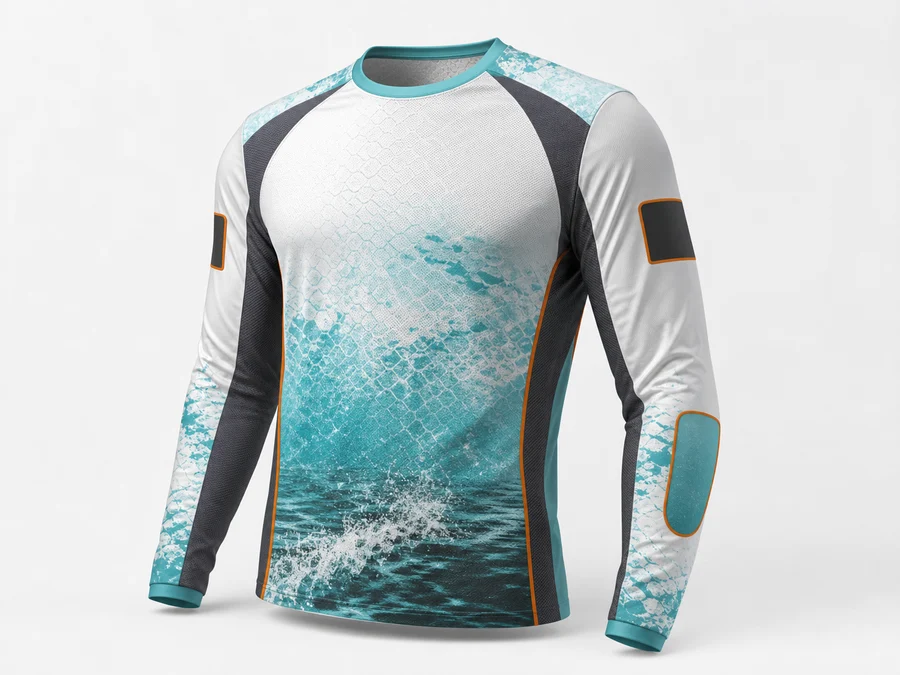
Team names, sponsors, colors
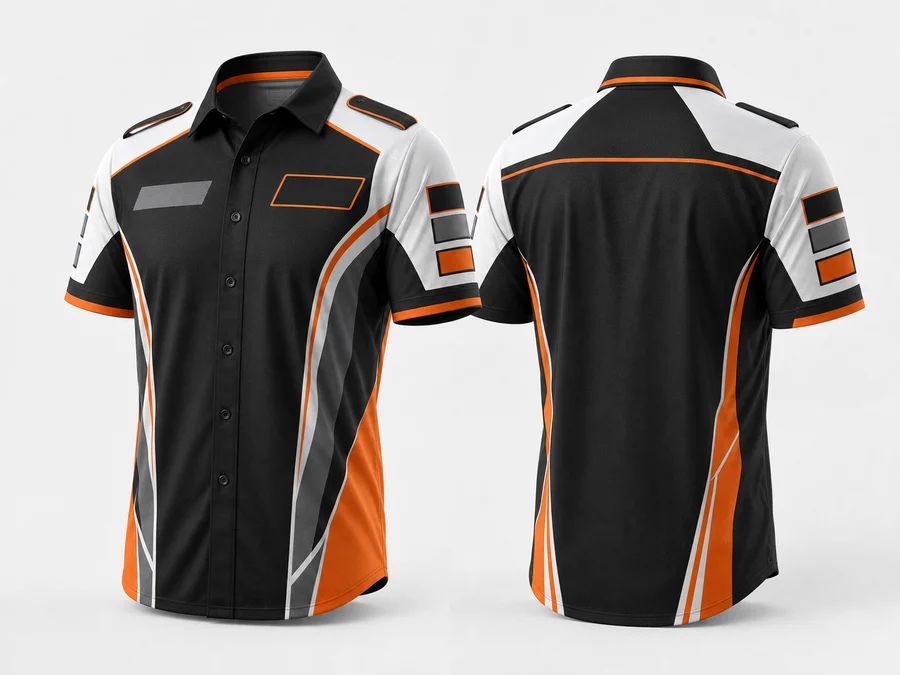
Sponsor marks, roster graphics
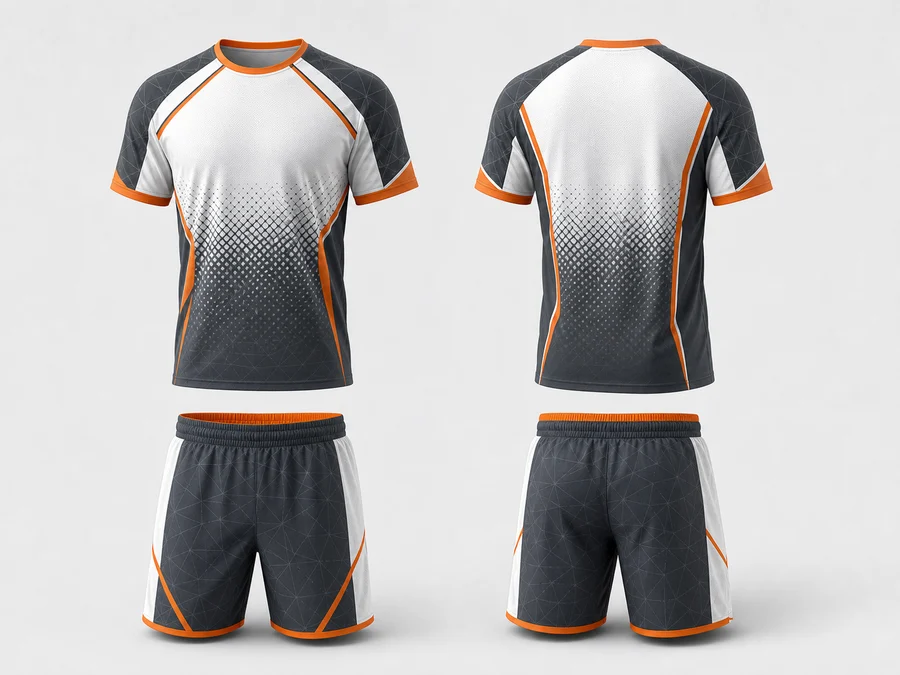
Panels, trims, all-over-print zones
How it works
Keep the shopper flow simple. Put the operational complexity behind the template, order data, production file, and fulfillment handoff.
Start with a Yoycol product. Custom jerseys and other AOP apparel are strong first use cases.
Map names, numbers, logos, colors, and print-safe areas to the product template.
Buyers preview their choices on the storefront before checkout.
Order details become production-ready instructions for print, packing, and shipping.
Inside the product
Shoppers see familiar fields while the template keeps their choices connected to the product design and production workflow.
Player names, team numbers, initials, and roster variants.
Team logos, sponsor marks, buyer images, and artwork zones.
Front, back, sleeves, trims, panels, and AOP safe areas.
Structured buyer choices are saved with the order for production.
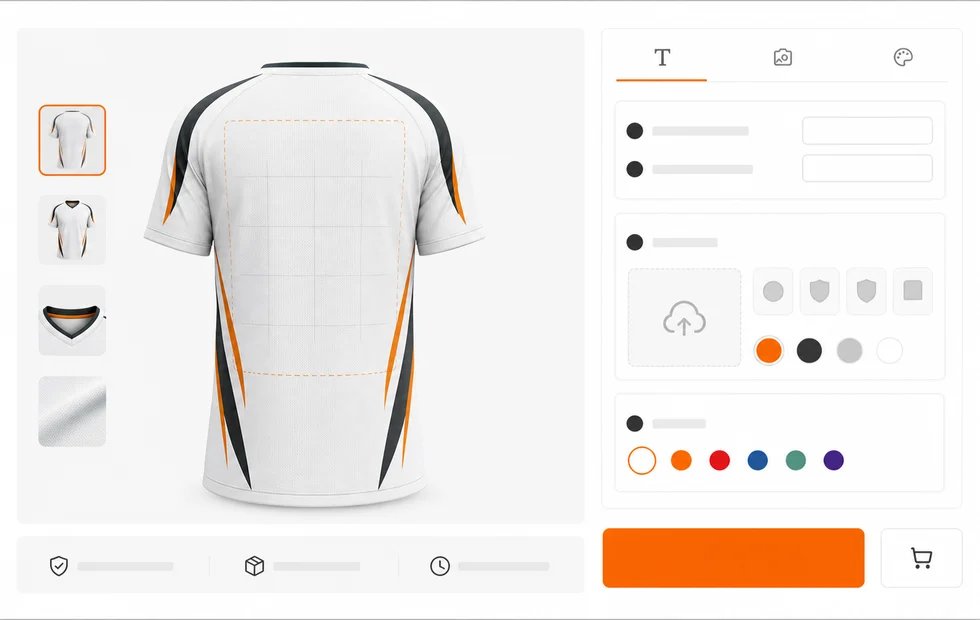
Product page fields
Order-readyNames
Text input
Numbers
Text input
Logos
Image upload
Colors
Product option
Design parts
Template rules
Print zones
Mapped output
Choices stay connected to template rules and fulfillment.
Why Yoycol
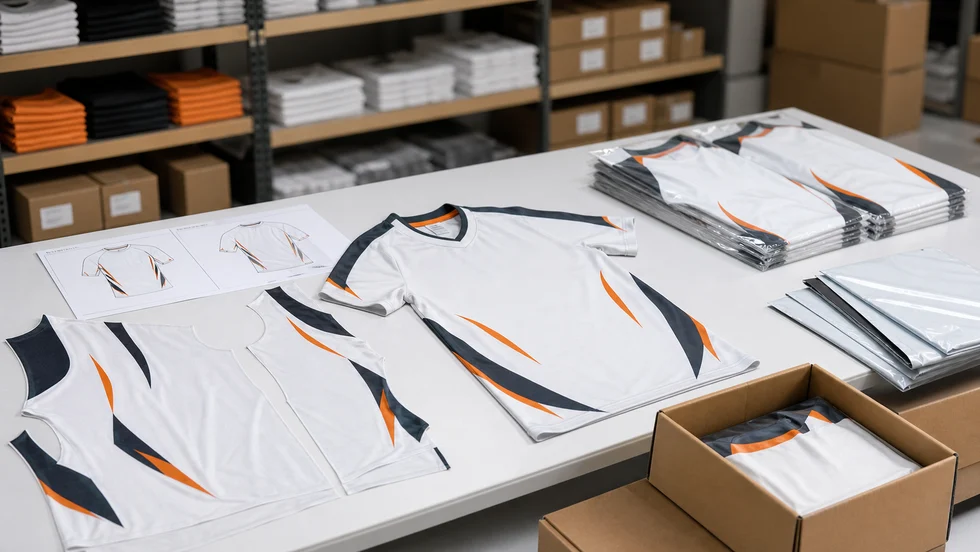
Help merchants show custom products before shoppers buy.
Templates connect editable fields to real garment print areas.
Custom order data moves toward production instead of manual redesign.
Yoycol can print, pack, ship, and support the custom order.
FAQ
Yes. Product Personalizer is available from the Yoycol dashboard under Personalization Templates.
Personalization templates currently support Shopify stores. The Yoycol dashboard and Shopify setup guide reflect the current supported workflow.
Templates can present familiar inputs such as names, numbers, text, images, logos, and product-specific options mapped to the design.
Names, numbers, logos, colors, panels, and print zones are already central to the purchase. Yoycol can connect those choices to its AOP production workflow.
Create the personalization setup in Yoycol, then enable the Yoycol Personalizer app embed or product block in your Shopify theme.





Copyright 2026 All rights reserved.