
Your products.
Beautifully presented.
Create beautiful AI product mockups with Yoycol. Put your designs on models, set the scene and build a polished image collection for your store—without arranging a photoshoot.
Made for print-on-demand sellers and independent apparel brands.
Sign in to explore AI Mockup Suite templates
See what merchants and customers say about Yoycol.


A whole gallery.
A ready-made starting point.
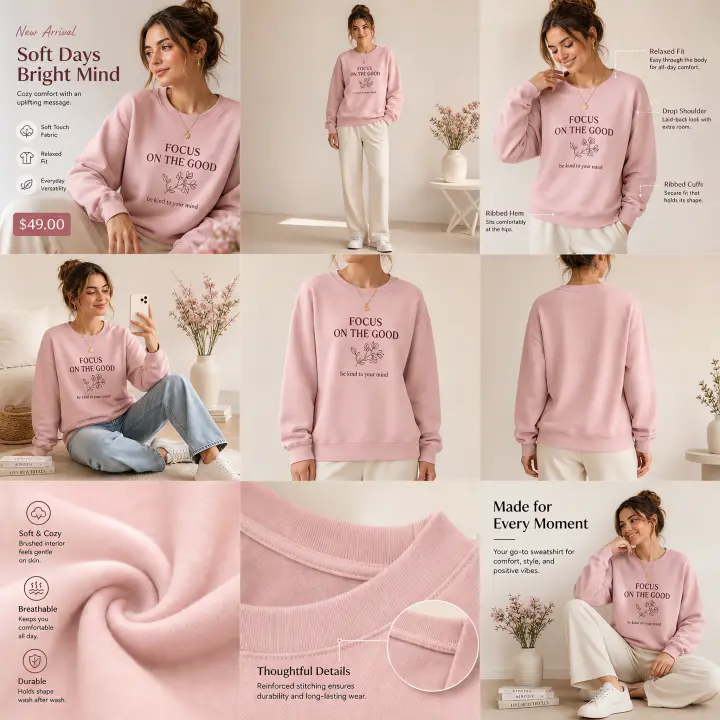
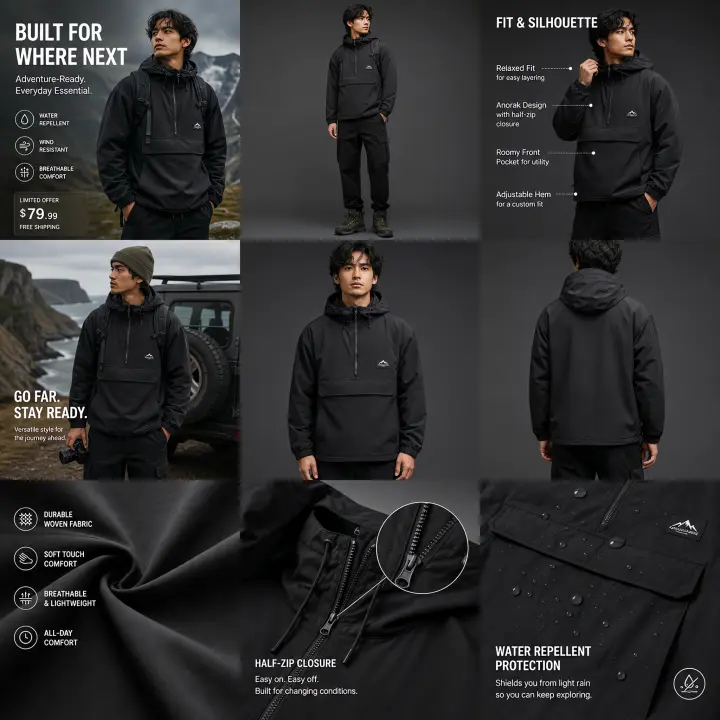
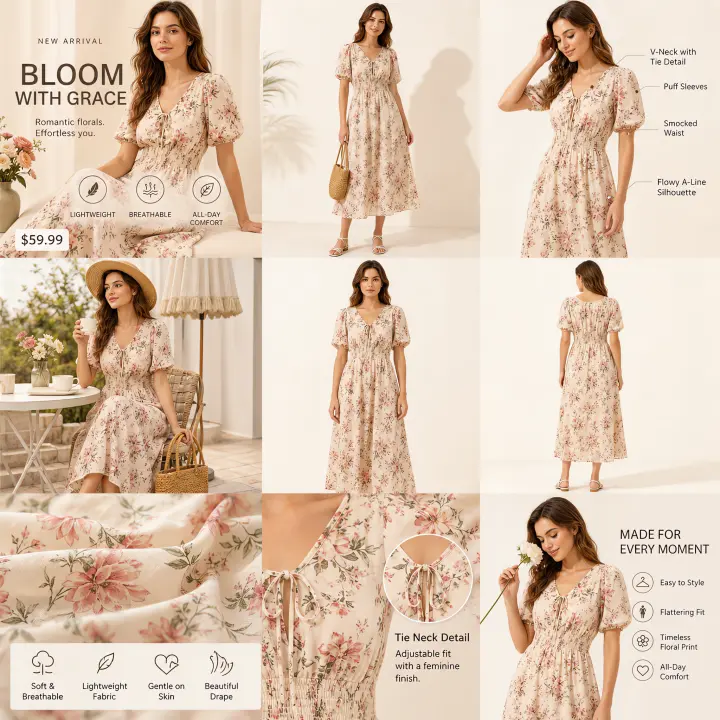
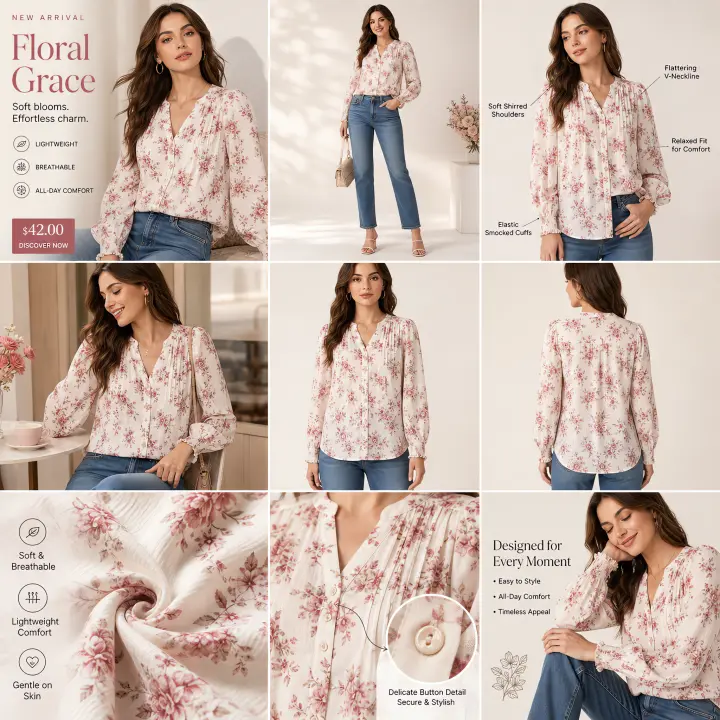
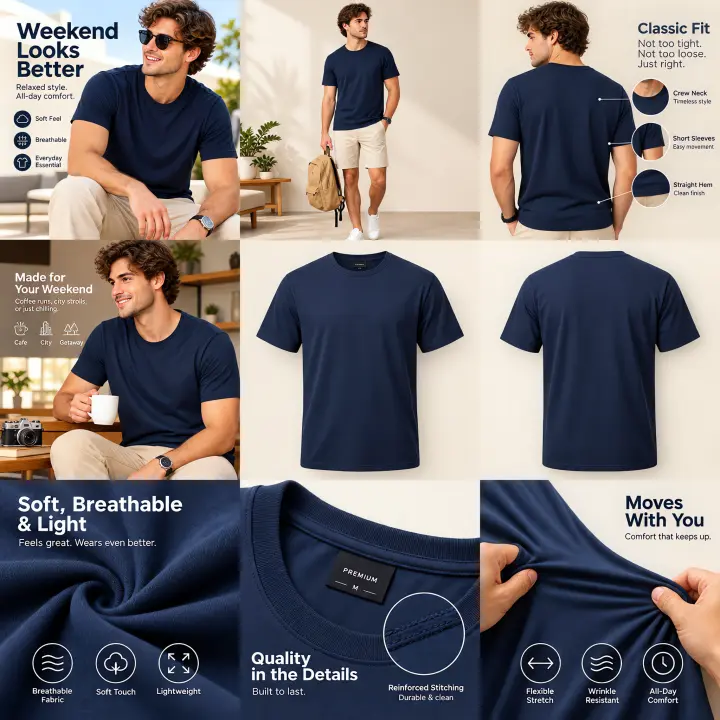
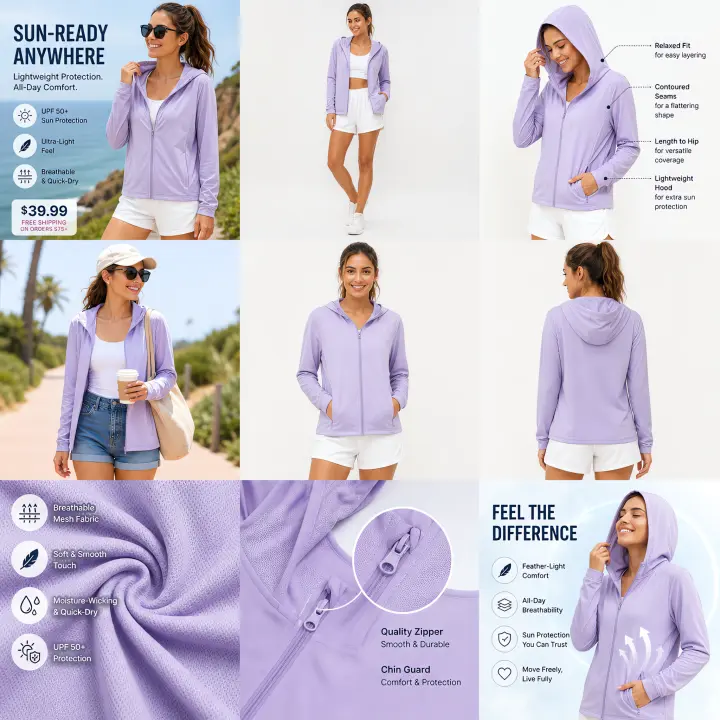
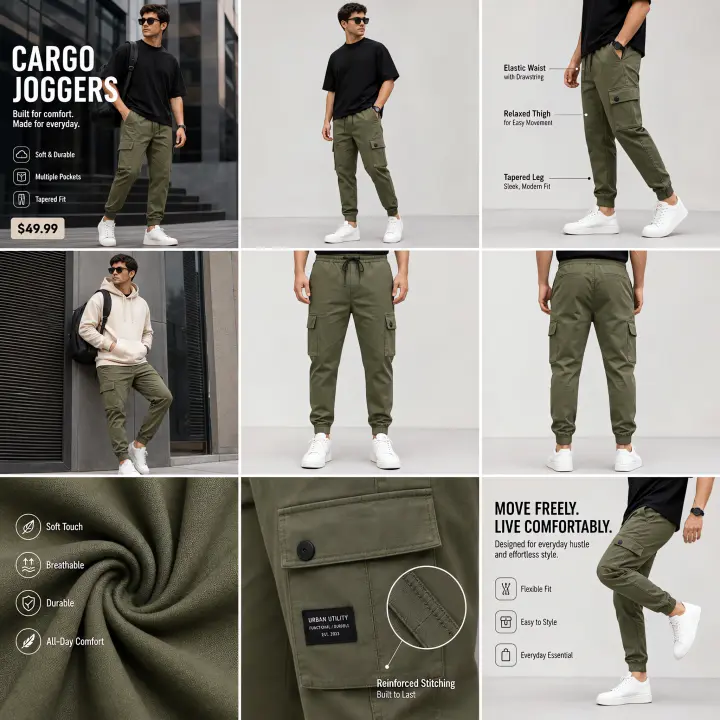
Explore Yoycol’s ready-made suite templates across product categories and visual styles. Find a look you love, then use it for your next product story.
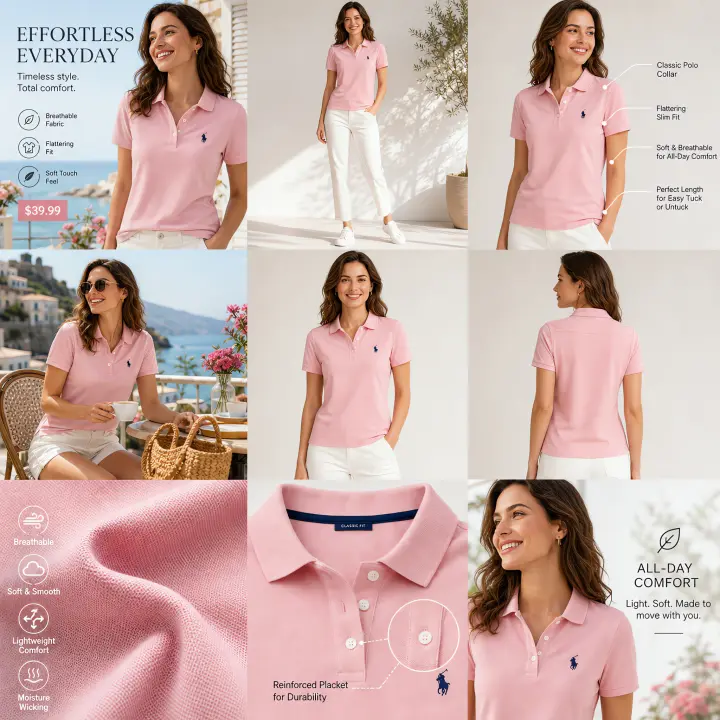
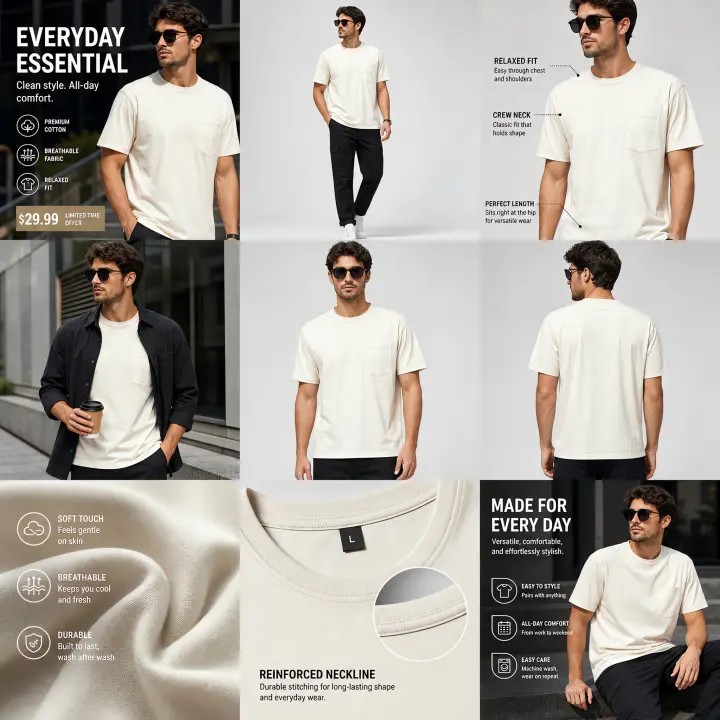
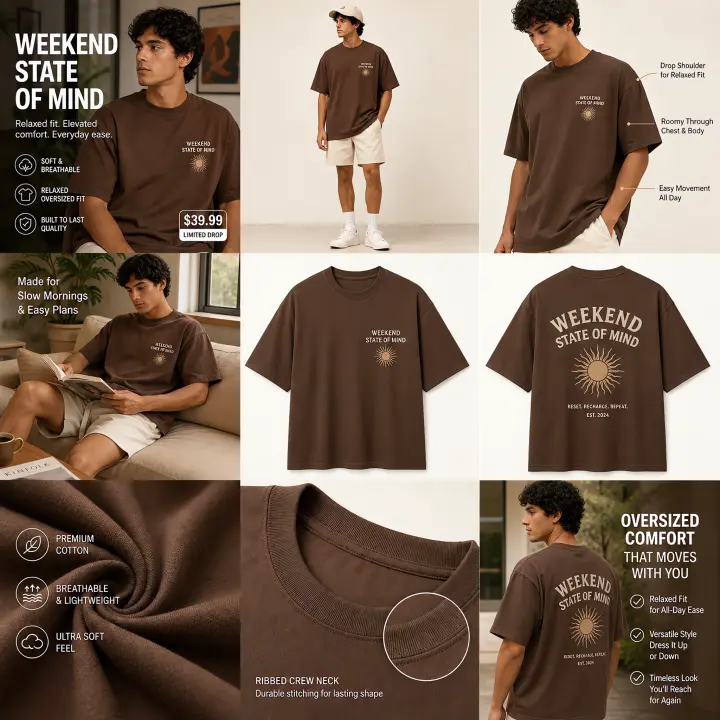
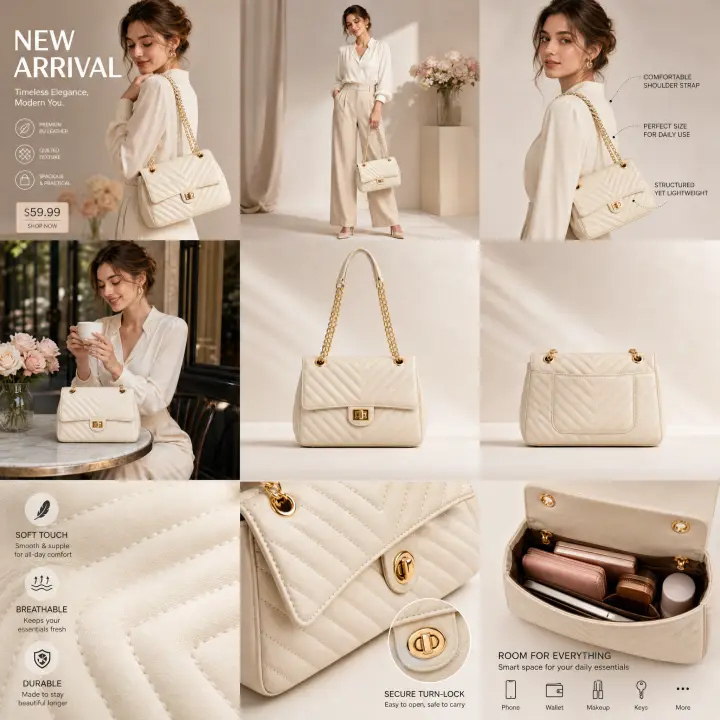
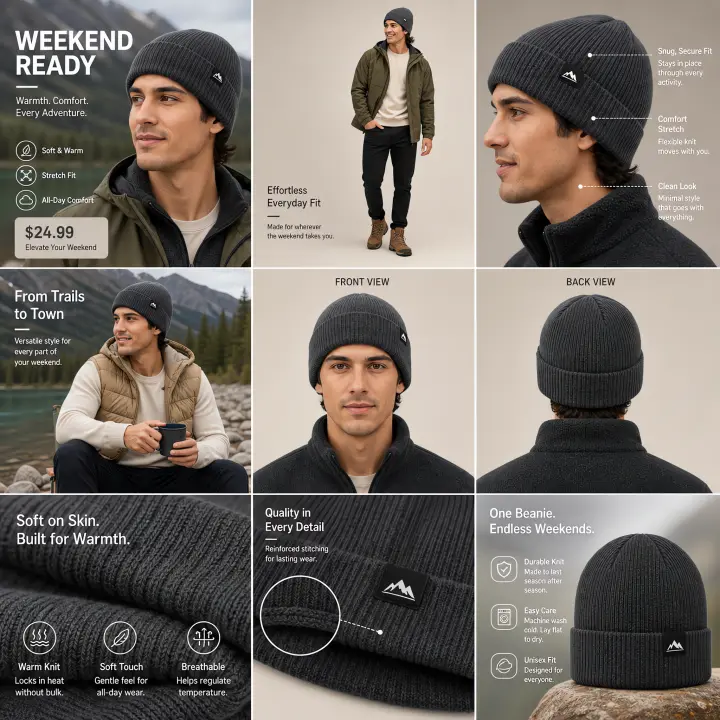
Find your model.
Or create your own.
Start with a ready-made model from Yoycol’s official library. Want a more specific look? Create your own model and reuse it across your product mockups.
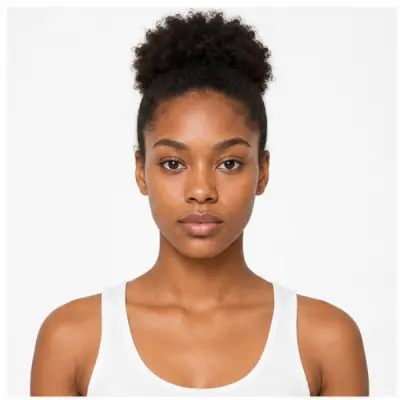
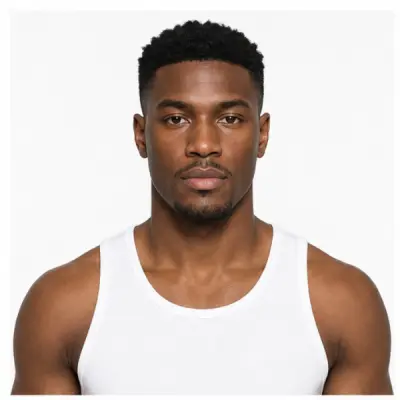
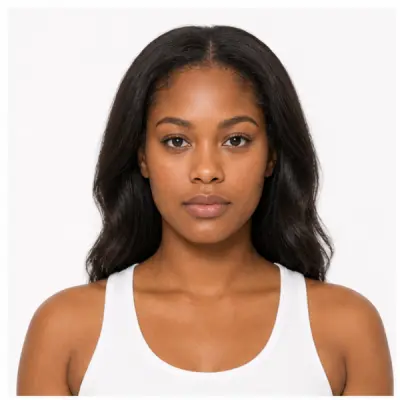
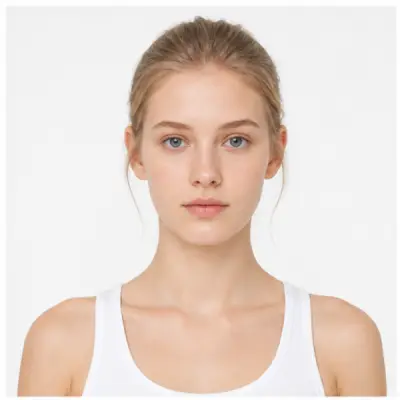
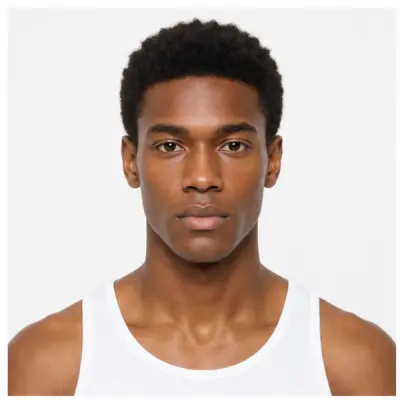
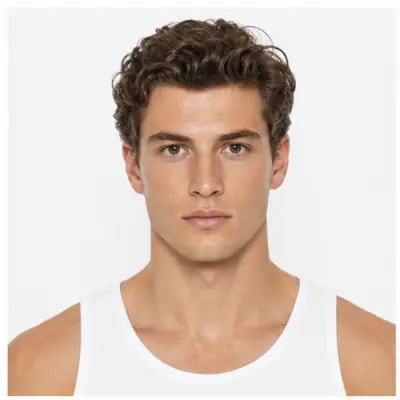
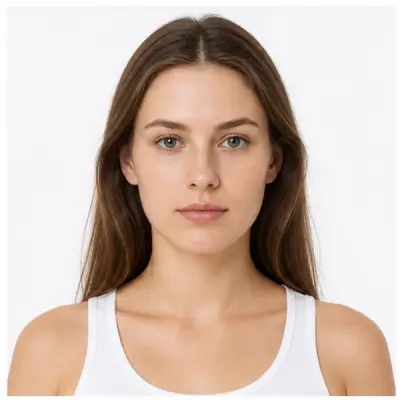
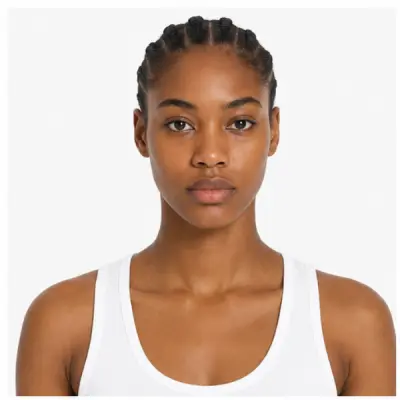
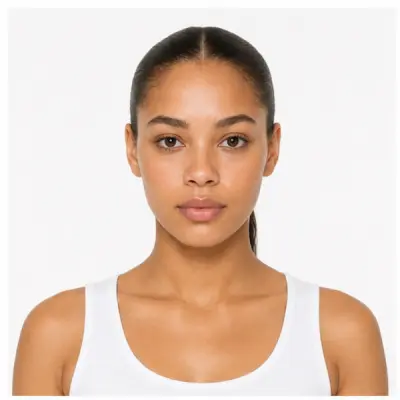
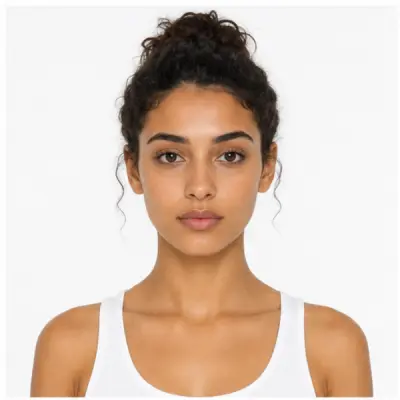
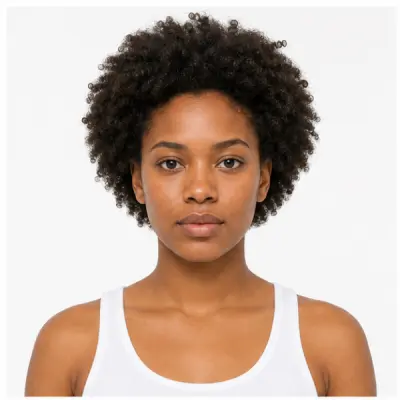
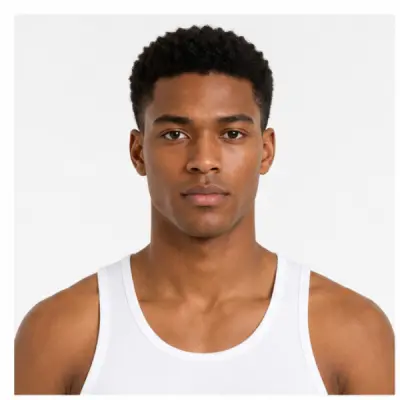
Meet your next brand model.
Start with region, gender, height and weight. Shape the look with facial features, expression and hair.
- Region
- Southern European
- Gender
- Female
- Height
- 172 cm
- Weight
- 60 kg
- Face shape
- Oval
- Expression
- Smiling
- Hair style
- Long Wavy
- Hair color
- Dark Brown
Your new model is saved privately in My Models, ready to select as a reference.
A new age. A new possibility.
Create an age variant from an existing model by choosing a target age. It becomes a new model, while your original stays unchanged.
Your favorites, ready for next time.
Create your own models or favorite public ones. Pin the references you use most, then bring them into single mockups and image suites.
One product.
A whole collection of images.
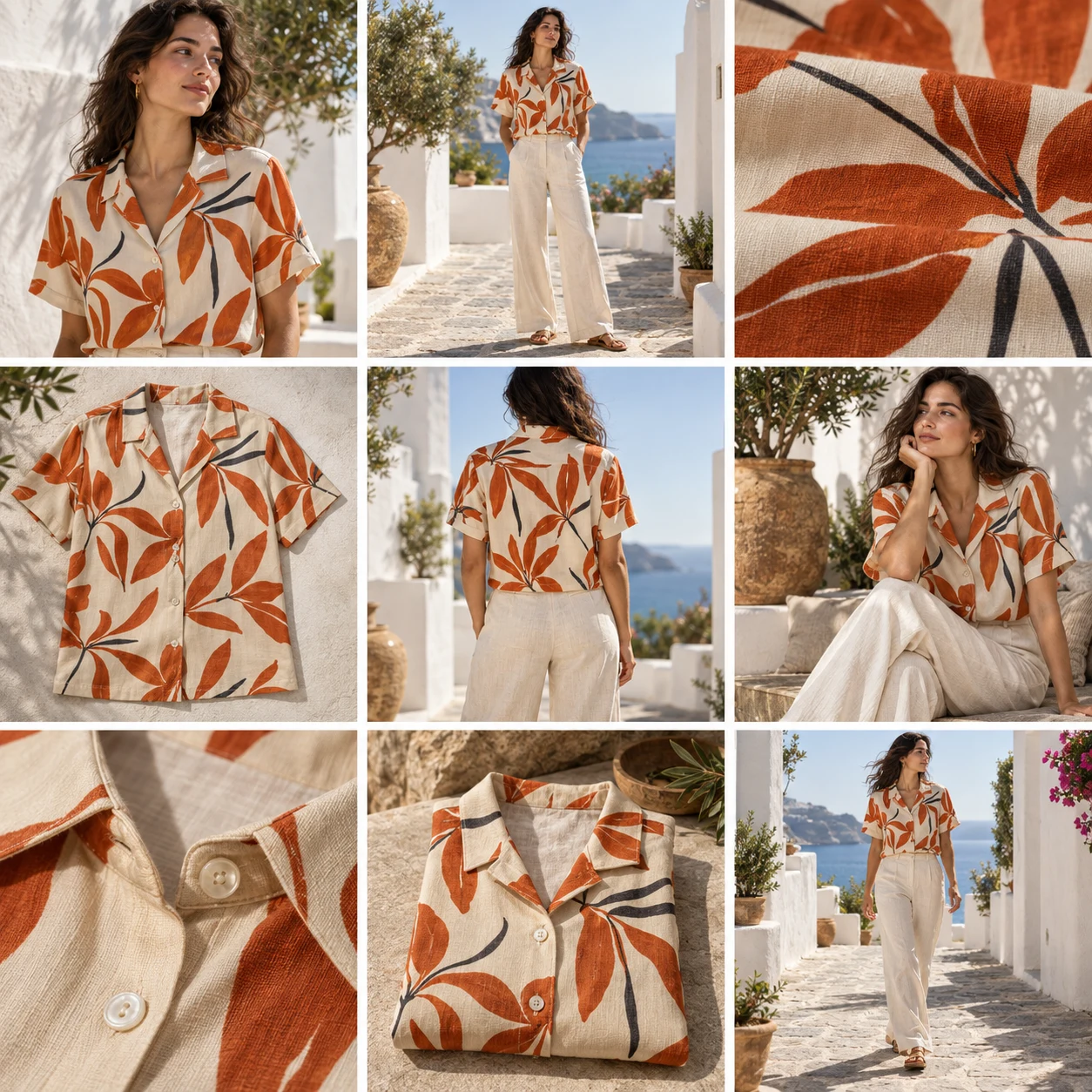
Create a single model shot, or build a coordinated nine-image suite from front and back product views, a model, a scene and a template.
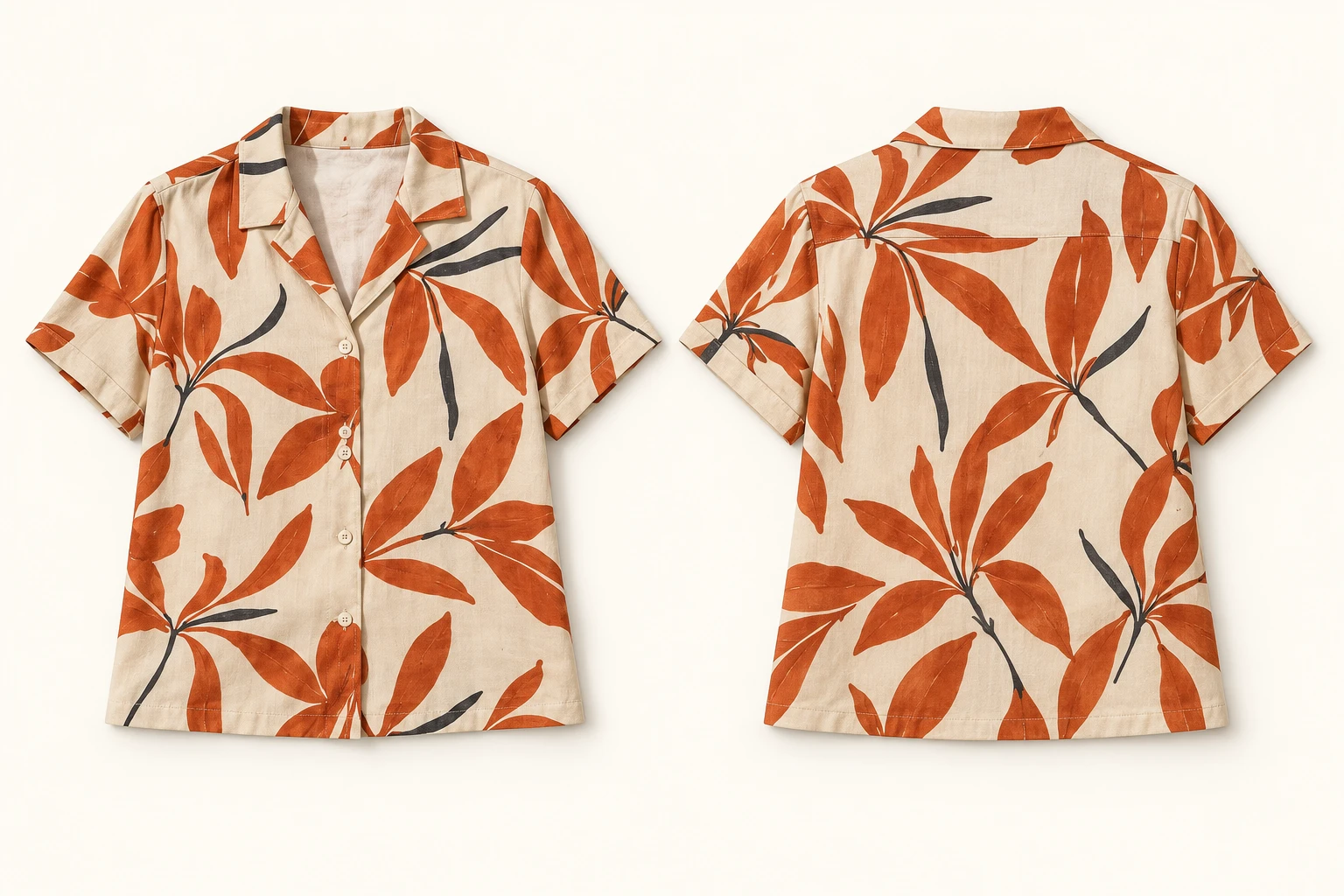
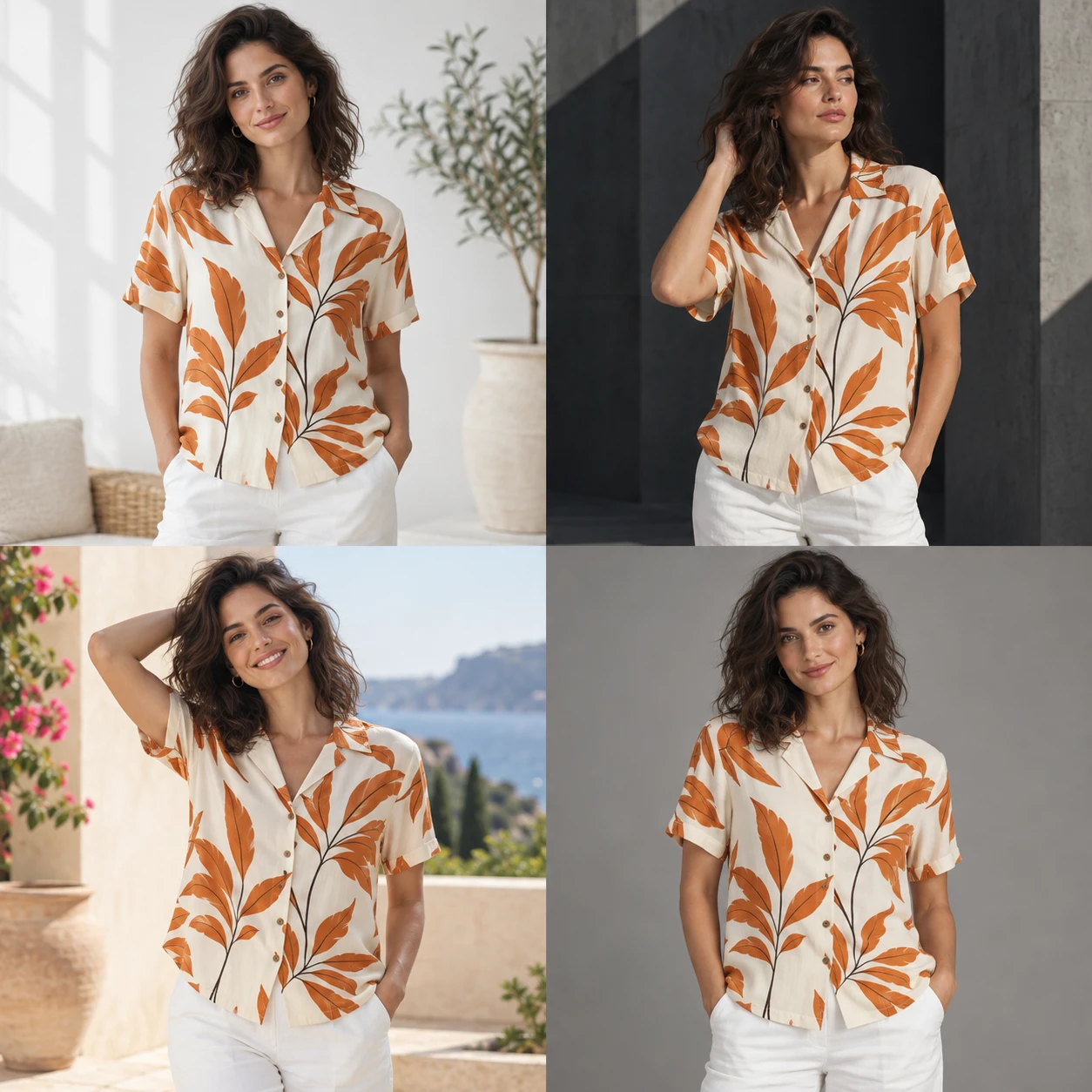
“Show this botanical shirt on a model on a Mediterranean terrace, with warm daylight and soft shadows. Keep the cream fabric, orange print and garment details true to the references.”
With your chosen model, scene & suite template
AI-generated concept illustration.
Choose the visual story
Use a public suite template or create one around your audience, style and visual tone.
Keep the shots you love
Split the nine-image grid and choose individual images to take forward.
Give details another pass
Improve selected images, then make local edits before adding them to your product.
Love the shot?
Fine-tune the details.
With Suite’s area editor, you can change a specific detail without starting the entire composition again. Select an area, describe the change and review the result.
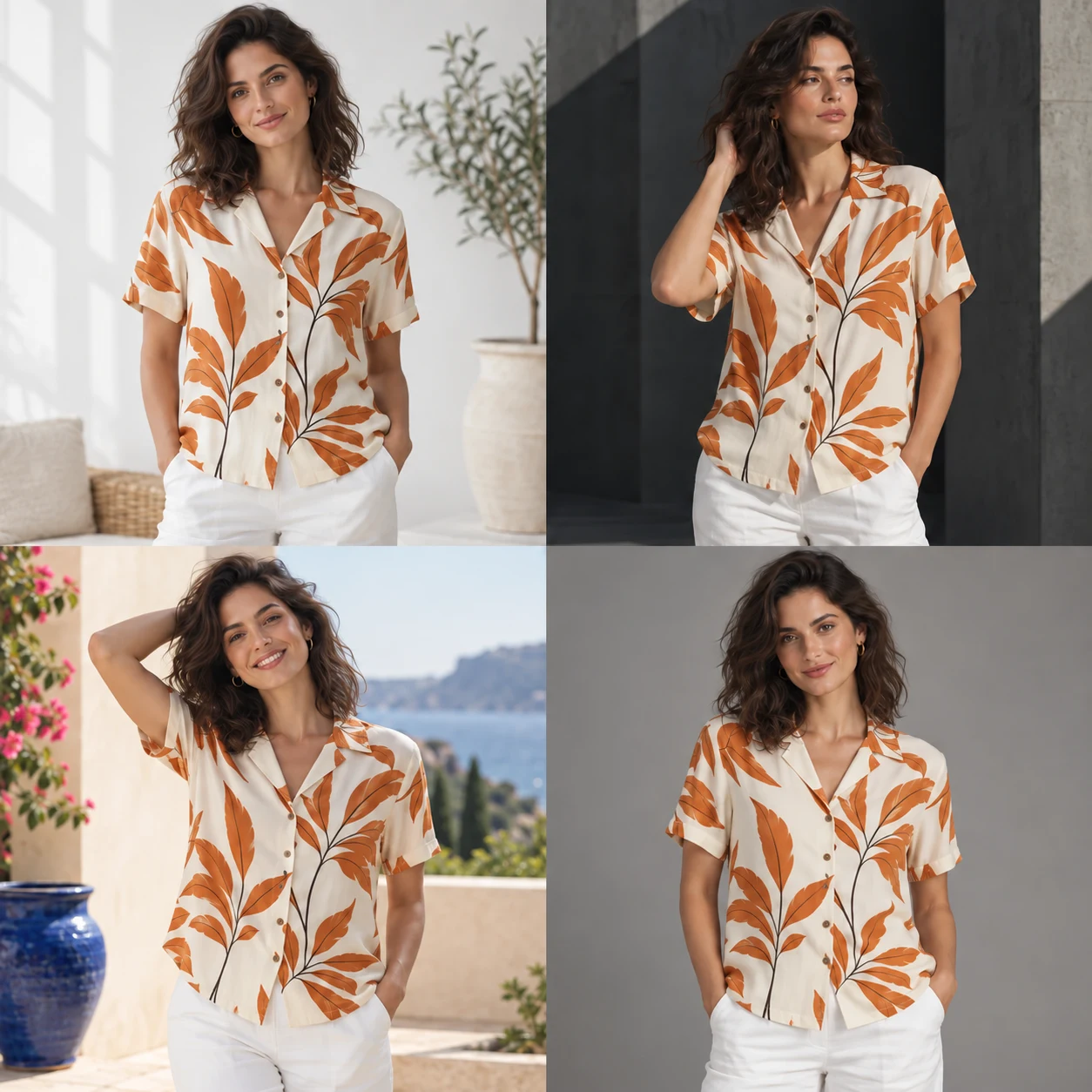
A new detail.
The same story.
Swap a prop, adjust a detail or remove a distraction. Tell Yoycol what you want to change in the selected area.
AI-generated editing concept. Demonstration timing is illustrative.
Give every collection
a world of its own.
Explore the Scene Library or create a scene with your own lighting, materials and atmosphere. Save it alongside your model references for future projects.
Same design.
A different feeling.
Explore four visual directions for this botanical shirt.
AI-generated style concepts. Select a scene to preview.
Meet Yoycol.
From product idea
to customer doorstep.
Yoycol is a print-on-demand manufacturing and fulfillment platform for ecommerce brands and independent creators. Create your designs, build your product listings and have orders produced and shipped to your customers.
Who is Yoycol AI Mockup for?
Print-on-demand sellers, independent apparel brands and product designers who need model photos and product imagery for their online stores. Yoycol combines your product image with model and scene references to create new mockups.
Can I create one image or a complete set?
Both. Use AI Mockup for an individual image with your choice of model, scene, prompt and aspect ratio. Use AI Mockup Suite for a coordinated nine-image set built from front and back product views, a model, a scene and a template.
Can I create a look for my own brand?
Yes. Create an AI model by selecting region, gender, height, weight, face shape, expression, hair style and hair color. New models are saved privately in My Models. You can also create scenes, favorite public references and pin frequently used assets for future mockups.
Can I create a different-age version of a model?
Yes. Select an existing model and choose a target age to generate an age variant. The result is saved as a new model, leaving the original unchanged.
Will my product design stay the same?
Your product image is the reference for the garment’s color, print, silhouette and visible details. Use a clear input image and review generated results before publishing, especially artwork, text and small details.
Do I need an account, and does it cost AI points?
You need a Yoycol account. AI Mockup shows the required points before generation. A nine-image suite uses 20 AI points; suite image refinement and localized editing each use 10 points per applicable image. Check the displayed total before confirming.
How do I start?
Sign in to Yoycol and open a product in your Store Product List. Choose AI Mockup and then New AI Mockup for an individual image, or open AI Mockup Suite when publishing or editing a product. For the best experience, use a desktop browser.
Give your next product
the images it deserves.
From a standout model shot to a complete product gallery, create your next look with Yoycol AI Mockup.
Create your mockups Explore AI Mockup Suite templates · Sign-in required





