Integrate the Wix store from Yoycol.com directly
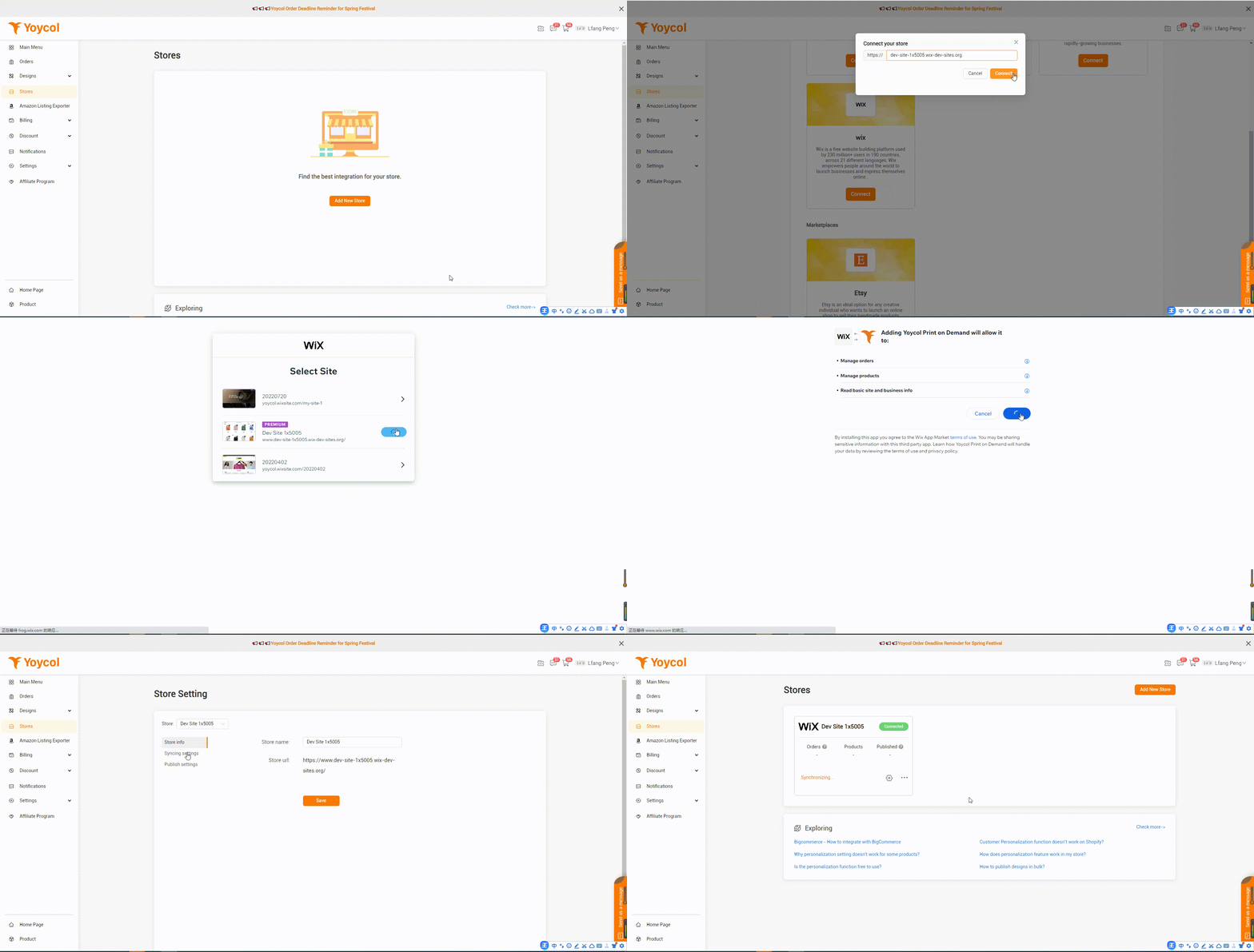
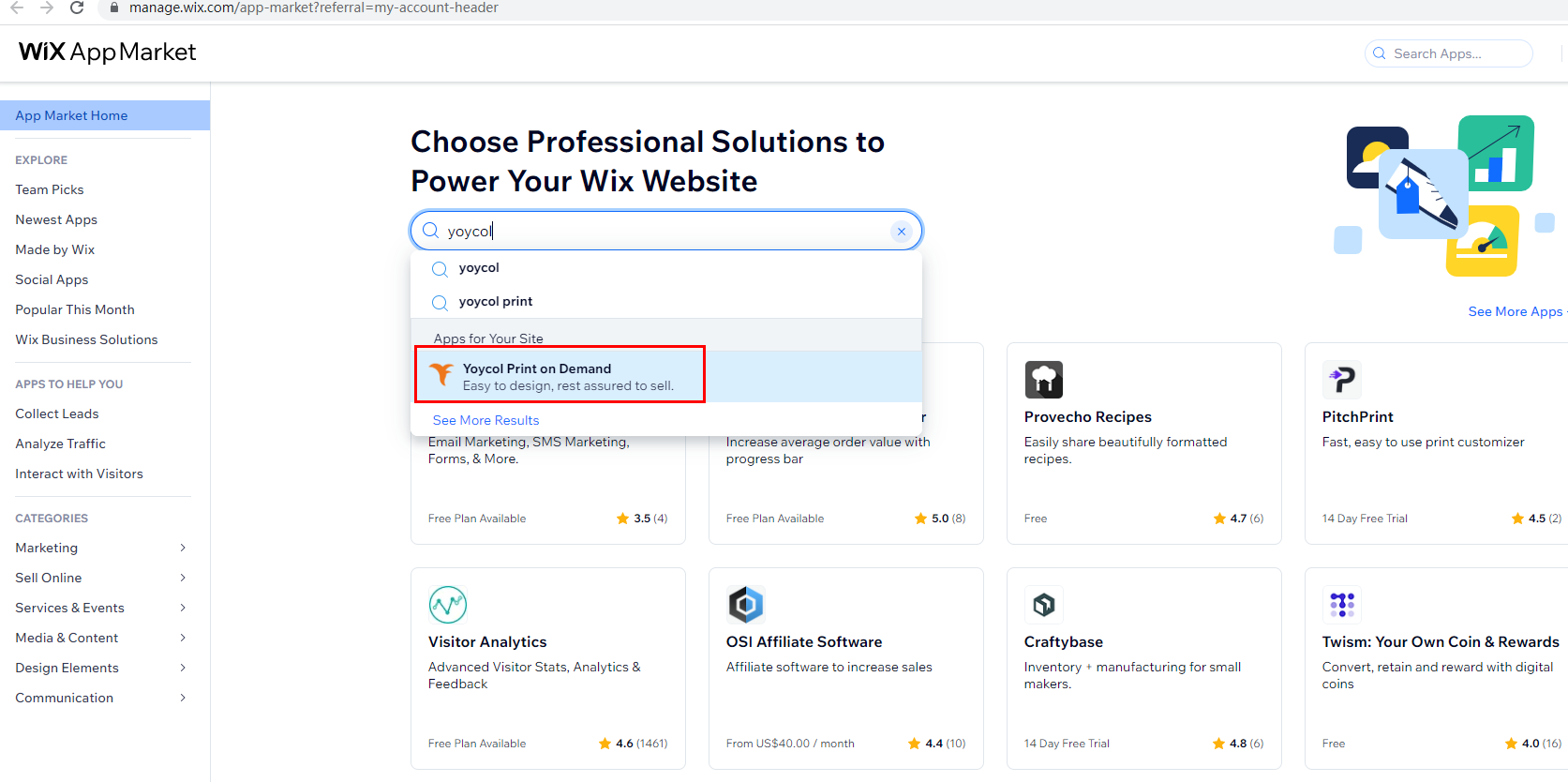
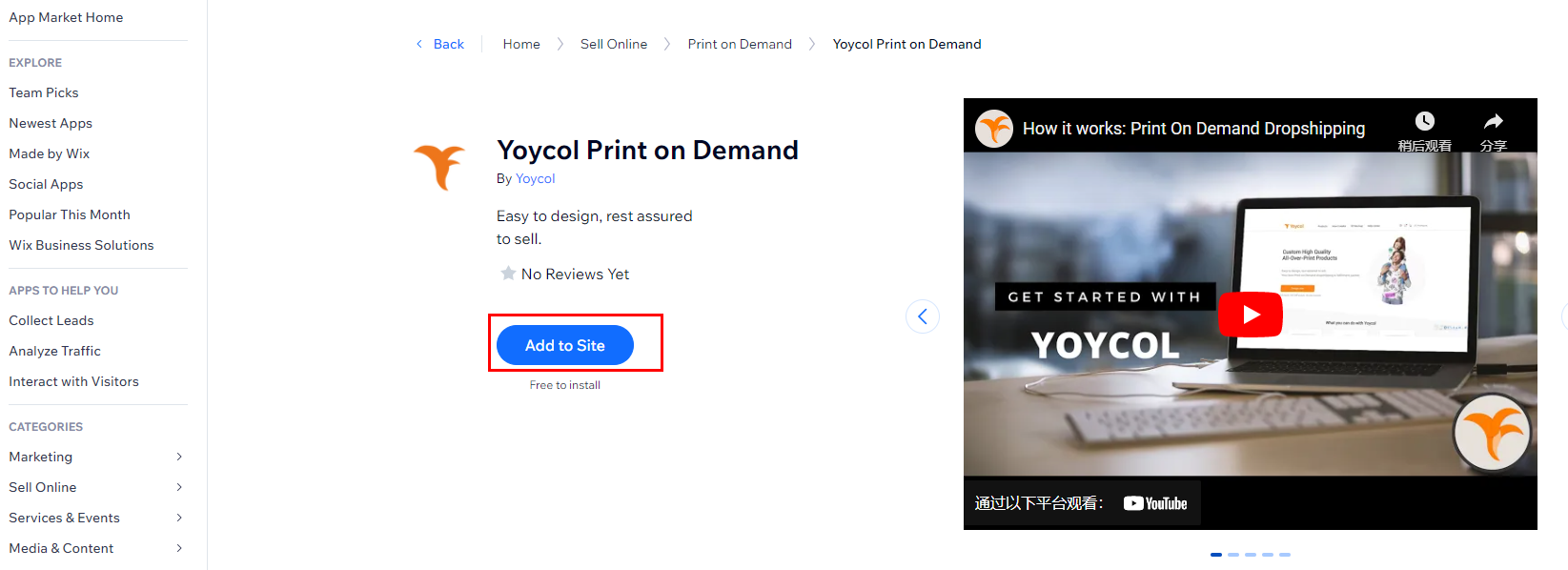
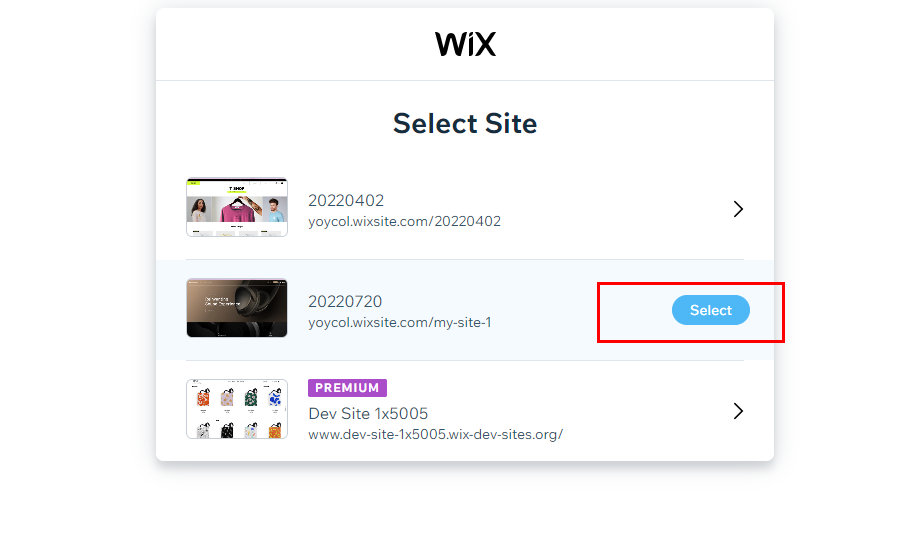
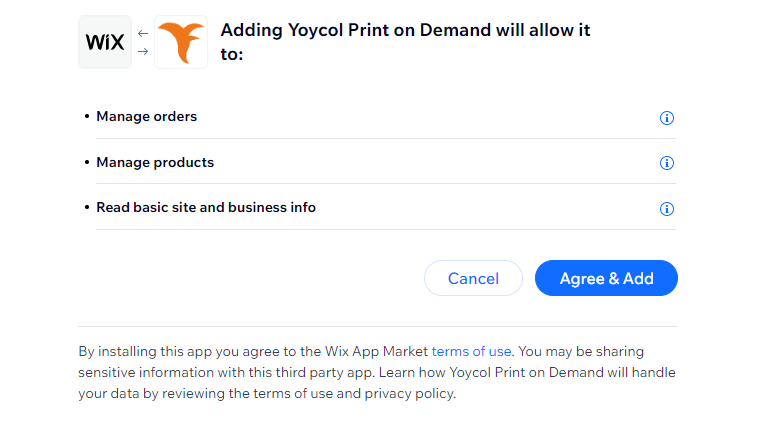
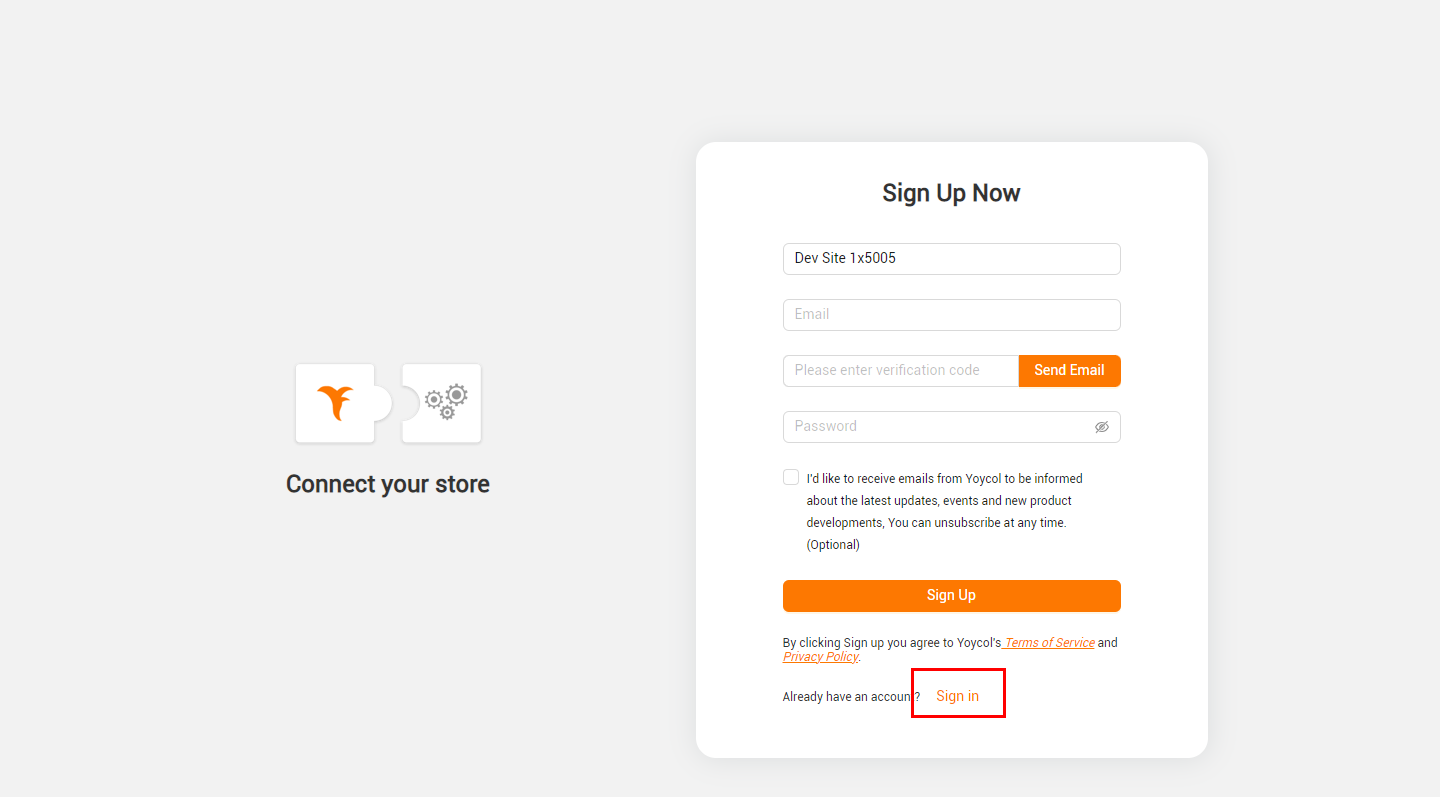
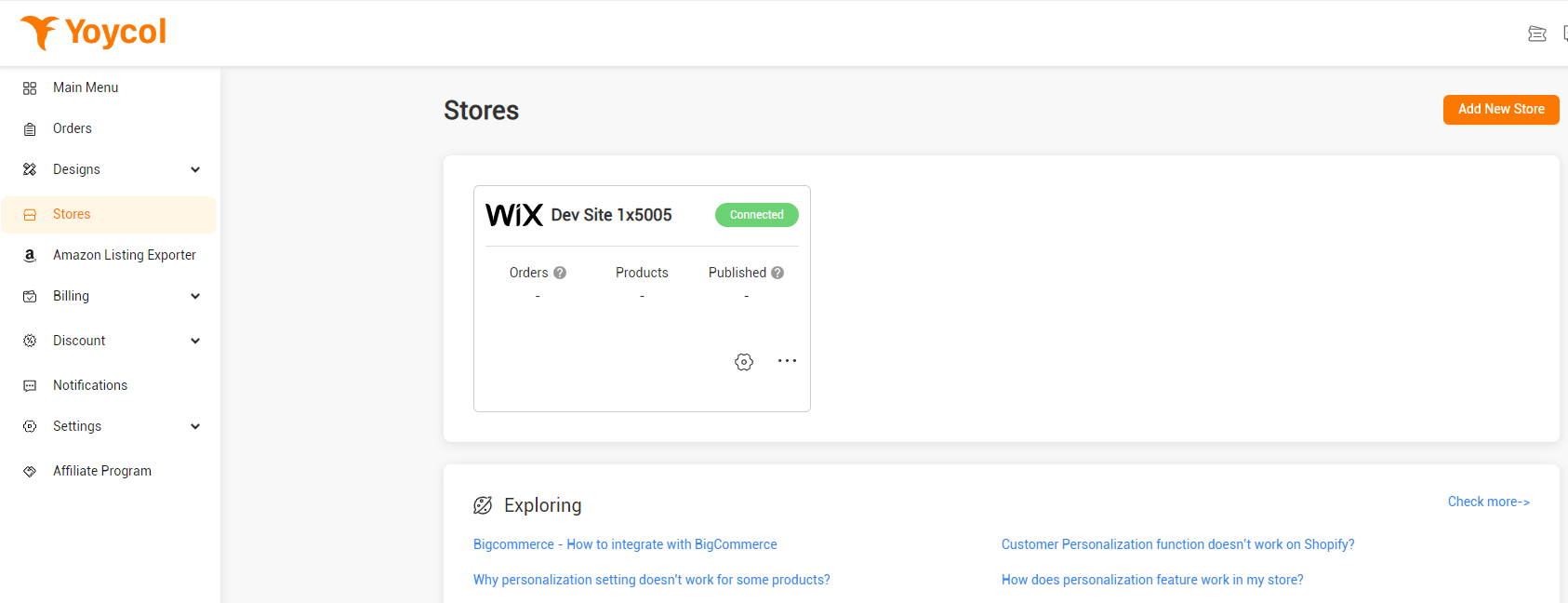
After completing the registration, check your dashboard. Click the "Store" button on the left menu to enter your "Store" management page. Next, view all the integration tools supported by clicking "Add New Store". Enter your Wix store's URL in the pop-up window that appears when you click "Connect". And click "Connect" to continue, and authorize the installation of the app.







 2026 All rights reserved.